Living Room Insights & Engineering Teardowns

The Cloud Dock Editorial

Deep dives into Smart TV hardware decoding, cloud media protocols, living room psychology, and why physical pen drives belong in the past.
More Articles & Guides
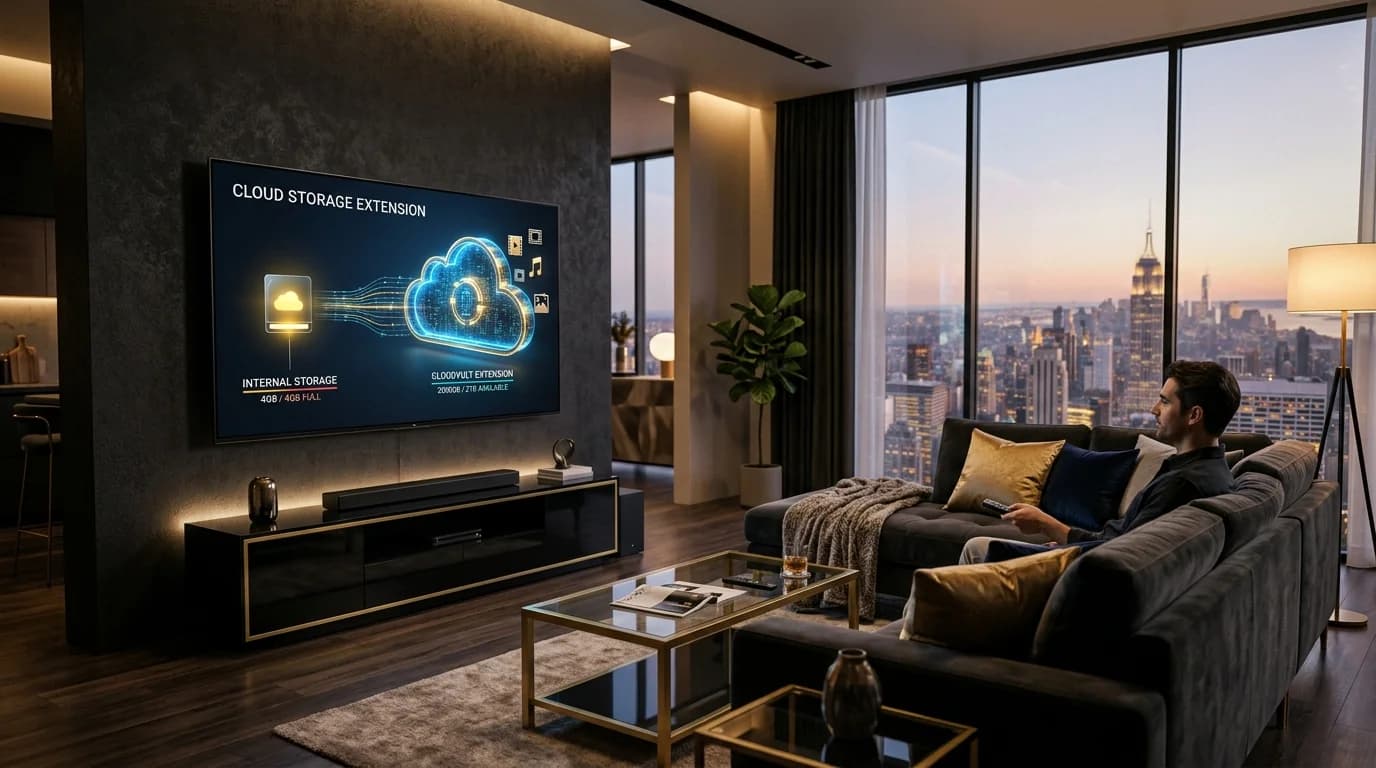
Cinematic modern living room featuring a wall-mounted Smart TV illustrating cloud storage expansion from 4GB to 2,000GB holographic cloud media vault
Android TV Storage•6 min read

How to Expand Android TV Storage Without a USB Drive (The Cloud Extender Guide)

Struggling with the 'Storage Space Running Out' alert on your Smart TV? Learn why budget Android TVs choke on storage and how to turn your Google Drive into a 2,000 GB wireless media vault.
Read Article→
A multigenerational family happily gathered together on a living room couch enjoying cherished family photos glowing warmly on their 55-inch Smart TV
Family Memories•6 min read

Why Are Our Most Precious Family Memories Trapped on 6-Inch Screens?

The Quiet Tragedy of the Modern Family Album — And How to Bring Warmth, Laughter, and Shared Nostalgia Back to the Living Room.
Read Article→
An elderly couple sitting warmly on their living room sofa smiling with tears of joy as high-definition photos of their toddler grandchild glow on their 55-inch Smart TV
Long Distance Family•6 min read

How to Send Photos to Your Parents' Smart TV From Anywhere in the World

Living 1,000 miles away from your parents or grandparents? Here is how to light up their living room with baby photos and family memories using the 3-second Cloud Dock TV bridge.
Read Article→
Android TV screen streaming Google Drive videos and photos with phone companion pairing in modern living room
Google Drive•6 min read

How to Stream Google Drive Videos & Photos on Android TV (Zero Remote Typing)

Stop struggling with clunky TV file explorers and battery-draining screen mirroring. Here is the step-by-step guide to streaming your Google Drive library on Android TV in 1080p.
Read Article→
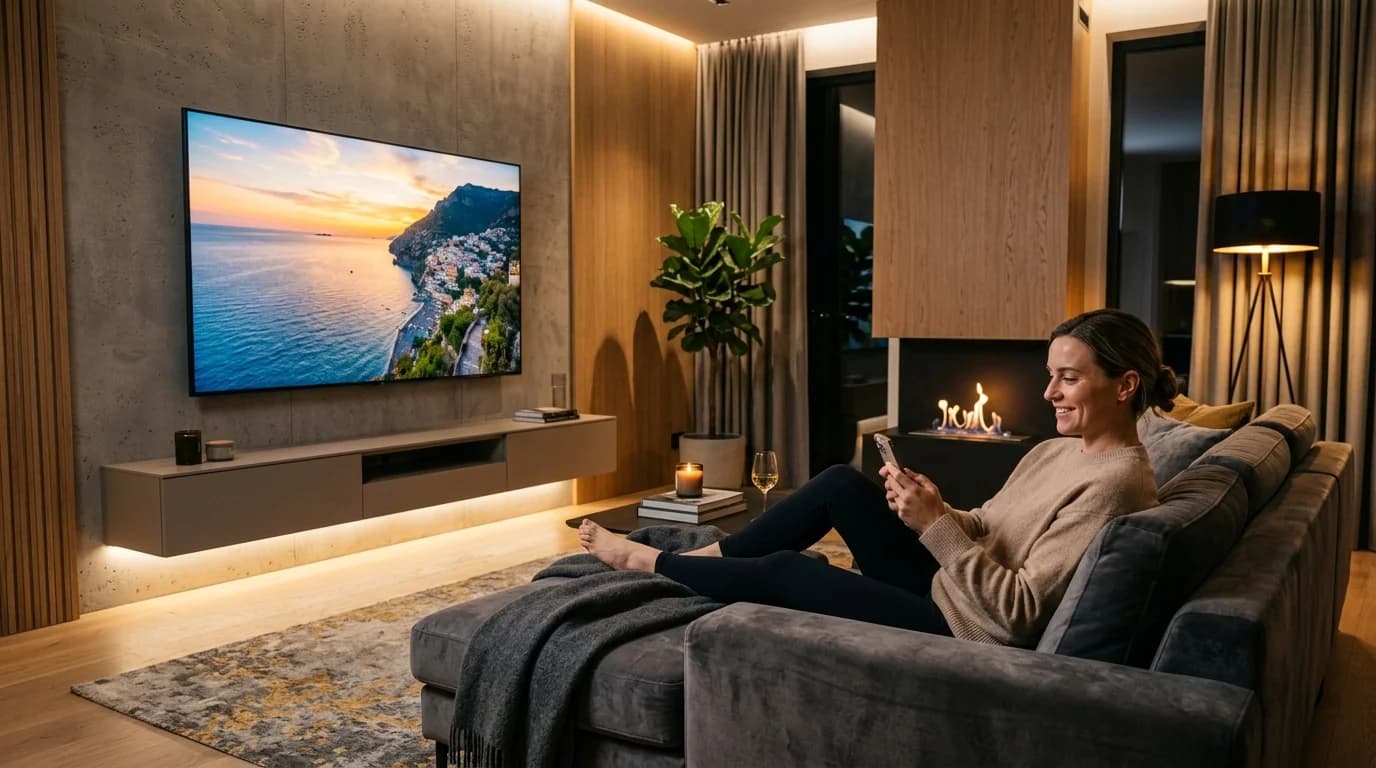
Modern wall-mounted Smart TV playing 4K video wirelessly without physical USB flash drives or cables
Wireless Pendrive•7 min read

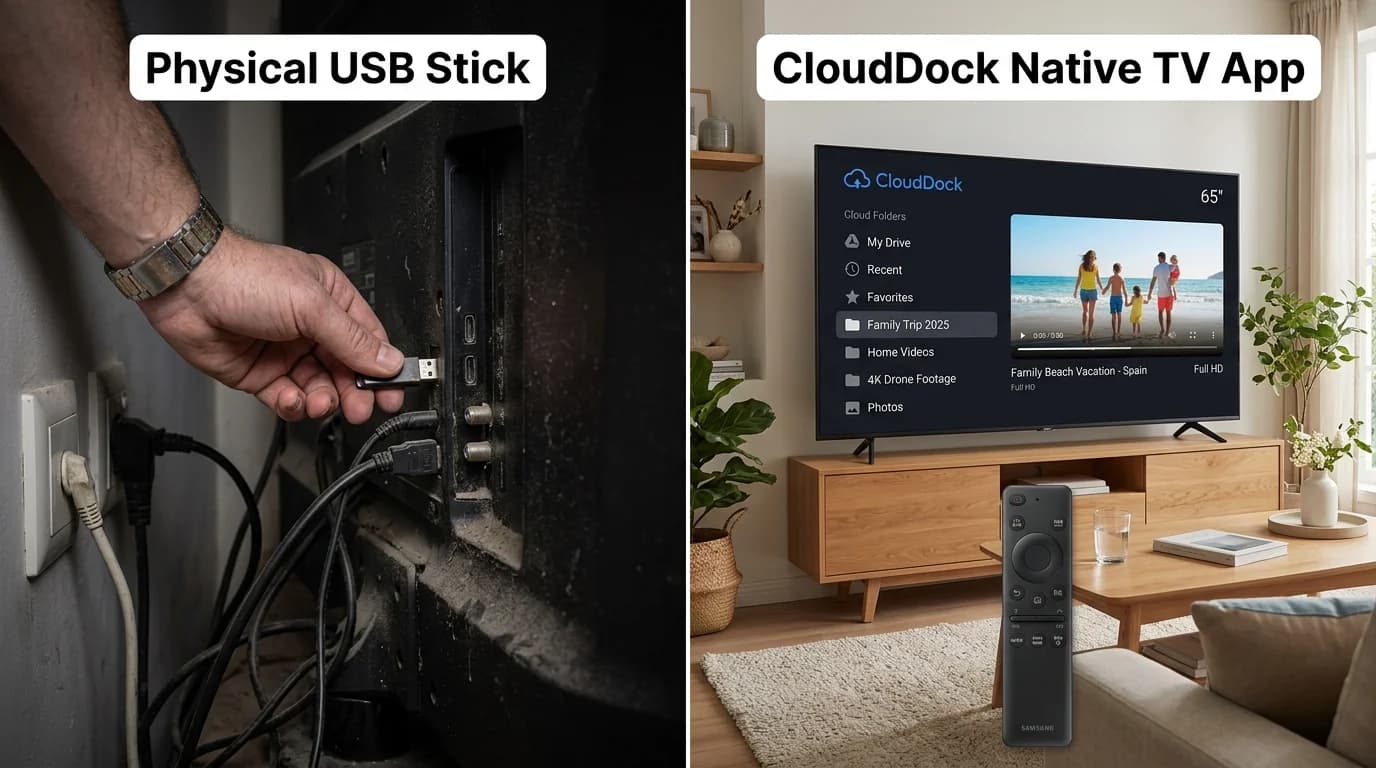
How to Play Videos on TV Without a Pendrive (The Wireless USB Guide)

Mounted your Smart TV tight against the wall? Tired of hunting for lost flash drives, FAT32 format errors, and file transfer delays? Here is how to use a 'Wireless Pendrive' for Smart TV in 2026.
Read Article→
Smart TV displaying storage management dashboard transitioning into expansive personal media library
Android TV Storage•8 min read

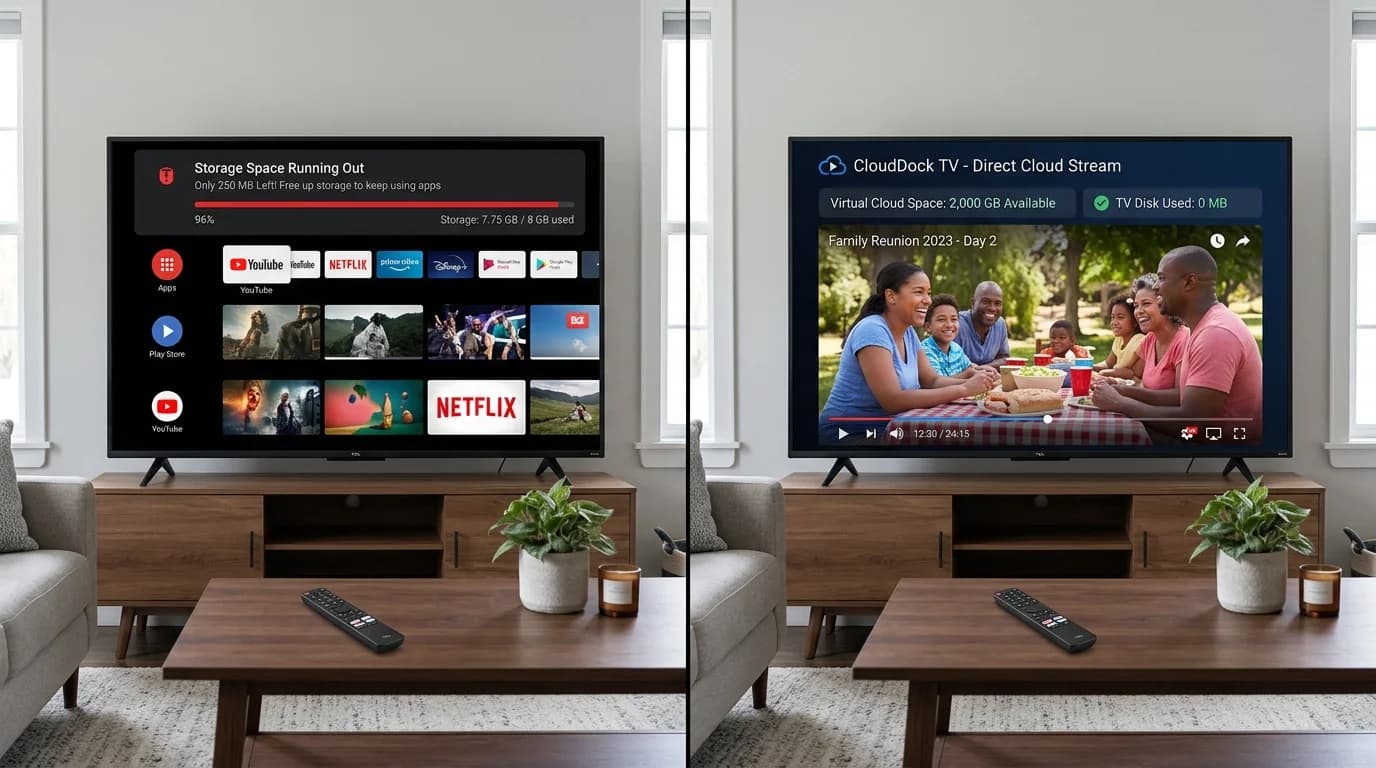
Android TV Storage Space Running Out? 6 Ways to Fix It (And Expand Without USB)

Constantly hit with the 'Storage Space Running Out' error on your Smart TV? Discover why 8GB budget TVs choke on storage and how to expand your TV storage to 2,000 GB wirelessly.
Read Article→
Amazon Fire TV Stick connected to Smart TV with golden cloud media expansion aura
Firestick Storage•7 min read

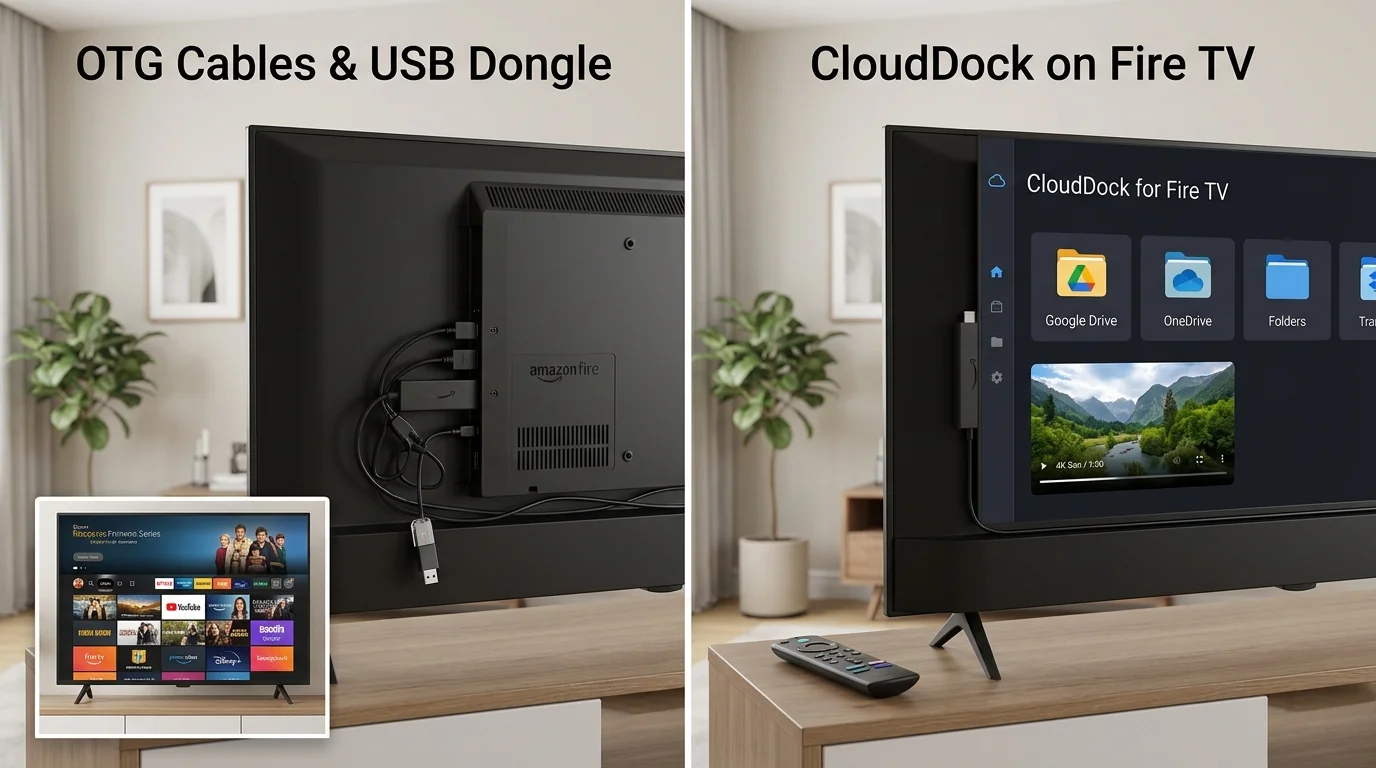
Firestick Storage Extender Guide: How to Expand Fire TV Storage Without USB

Seeing the 'Critically Low Storage' warning on your Fire TV Stick? Avoid messy OTG splitters and failing flash drives with this zero-hardware cloud streaming guide.
Read Article→
Quiet luxurious home theater living room streaming 4K video files without noisy computer towers or server racks
Plex Alternative•8 min read

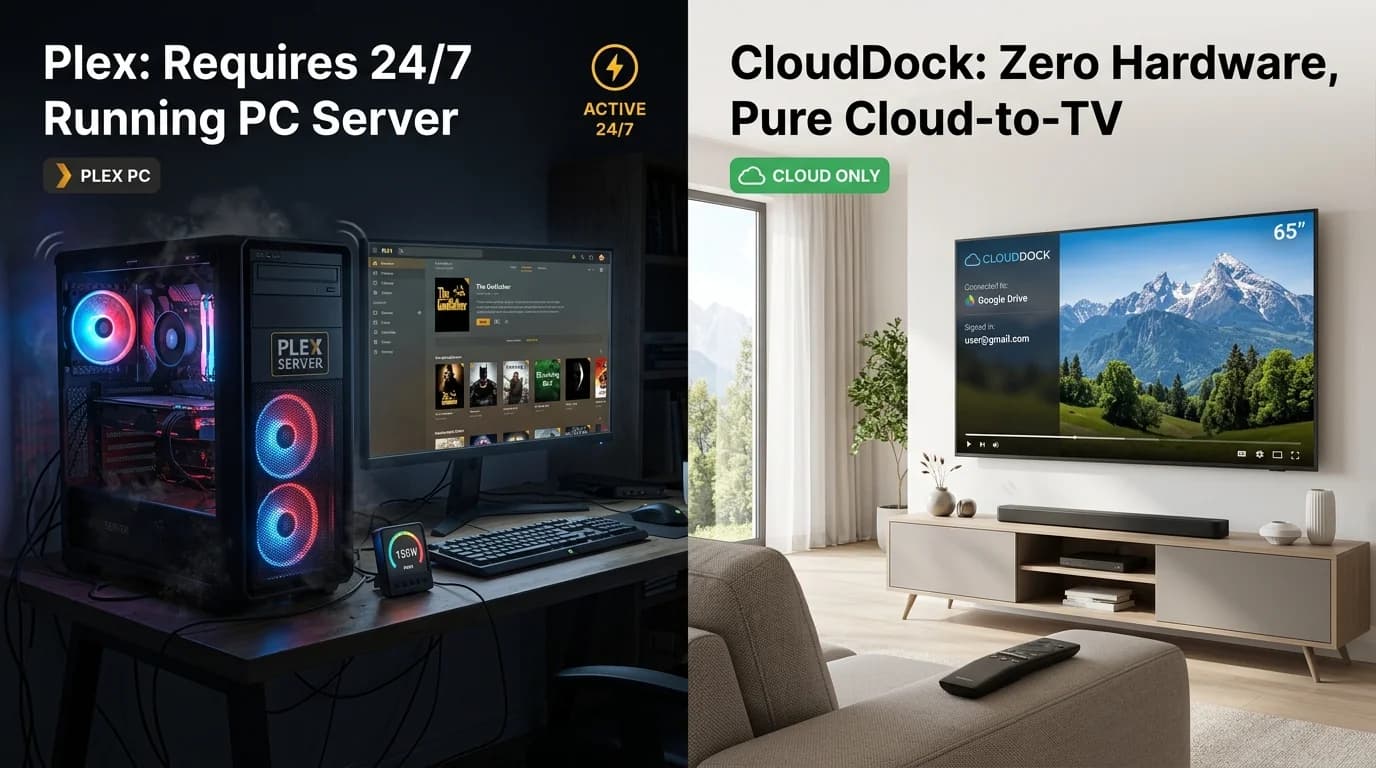
Plex Alternative for Cloud Storage: Stream Google Drive on TV Without a 24/7 PC Server

Tired of noisy PC fans, expensive electricity bills, port forwarding headaches, and Plex transcoding bottlenecks? Here is why Cloud Dock is the ultimate zero-server cloud streaming alternative.

Read Article→
Living Room Media Architecture

The Living Room Streaming Knowledge Base

Understanding how Android TV hardware, Google Drive cloud protocols, and decoupled touch controllers eliminate traditional living room friction.

01

Hardware-Accelerated Codecs

Budget Smart TVs use quad-core Cortex-A53 processors with 1GB to 2GB RAM. Software video decoders choke and drop frames. Native H.264/AAC hardware decoding guarantees smooth 1080p and 4K playback with zero CPU bottlenecks.

02

Wireless Cloud Pen Drive

Physical USB sticks format-fail (FAT32/NTFS), heat throttle, and require reaching behind tight wall mounts. Connecting Google Drive directly gives your Smart TV up to 2TB of cloud media storage without purchasing a single cable.

03

Zero-Typing QR Security

Typing complex passwords on plastic remote D-pads invites typos and exposes credentials on family screens. A 3-second 6-digit handshake delegates Google OAuth to your smartphone's biometric sensors safely.

04

100% Notification Privacy

Screen mirroring re-compresses your phone screen over Wi-Fi, draining your battery and exposing private WhatsApp chats on TV. Direct cloud streaming streams directly to the TV while your phone stays locked and private.

Frequently Asked Questions

Clear answers on Smart TV cloud playback, Google Drive streaming, and setup requirements.

Google has never released an official Google Drive client for Android TV or Google TV because desktop and mobile cloud clients rely on touchscreens, mouse pointers, and large local disk caching. Cloud Dock TV solves this problem by providing a native 10-foot living room media player that streams Google Drive files directly without requiring local storage or complex file management.
Physical USB flash drives require continuous file transfers via a laptop, suffer from file-size limits (FAT32 4GB limit) or format errors (NTFS/exFAT), and require awkward reaching behind wall-mounted TVs. Cloud Dock eliminates the physical drive entirely, allowing you to stream large video files, albums, and recordings directly from your 15GB–2TB Google Drive in 1080p and 4K with zero cables.
Budget Smart TVs (such as Xiaomi Mi TV, TCL, Kodak, and Thomson) typically feature quad-core ARM Cortex-A53 chipsets with 1GB to 2GB of RAM. Generic media players use software decoding or un-cached surface bridges that overwhelm low-RAM processors. Cloud Dock utilizes a specialized hardware H.264/AAC pipeline with pre-buffering to ensure smooth 60fps playback without memory thrashing.
Instead of entering long Google account passwords with a plastic TV remote control on an exposed screen, Cloud Dock displays a transient 6-digit code or QR code. You authenticate with Google OAuth using your phone's biometric sensors (fingerprint/Face ID). Your password never touches the TV, and unlike screen mirroring, private phone notifications or WhatsApp chats never appear on the family screen.
Yes. Because Cloud Dock connects via a real-time cloud bridge, you do not need to be on the same Wi-Fi network. You can connect to your family's TV from across the country and stream vacation videos and photo albums directly into their living room with zero setup required on their end.
No. Cloud Dock uses a transient RAM buffer for streaming playback. Media files are streamed on-the-fly and immediately released from memory when finished. Your television's internal flash memory remains 100% free, preventing the common 'Storage Space Running Out' error on budget smart TVs.