
Plex Alternative for Cloud Storage: Stream Google Drive on TV Without a 24/7 PC Server
Tired of noisy PC fans, expensive electricity bills, port forwarding headaches, and Plex transcoding bottlenecks? Here is why Cloud Dock is the ultimate zero-server cloud streaming alternative.
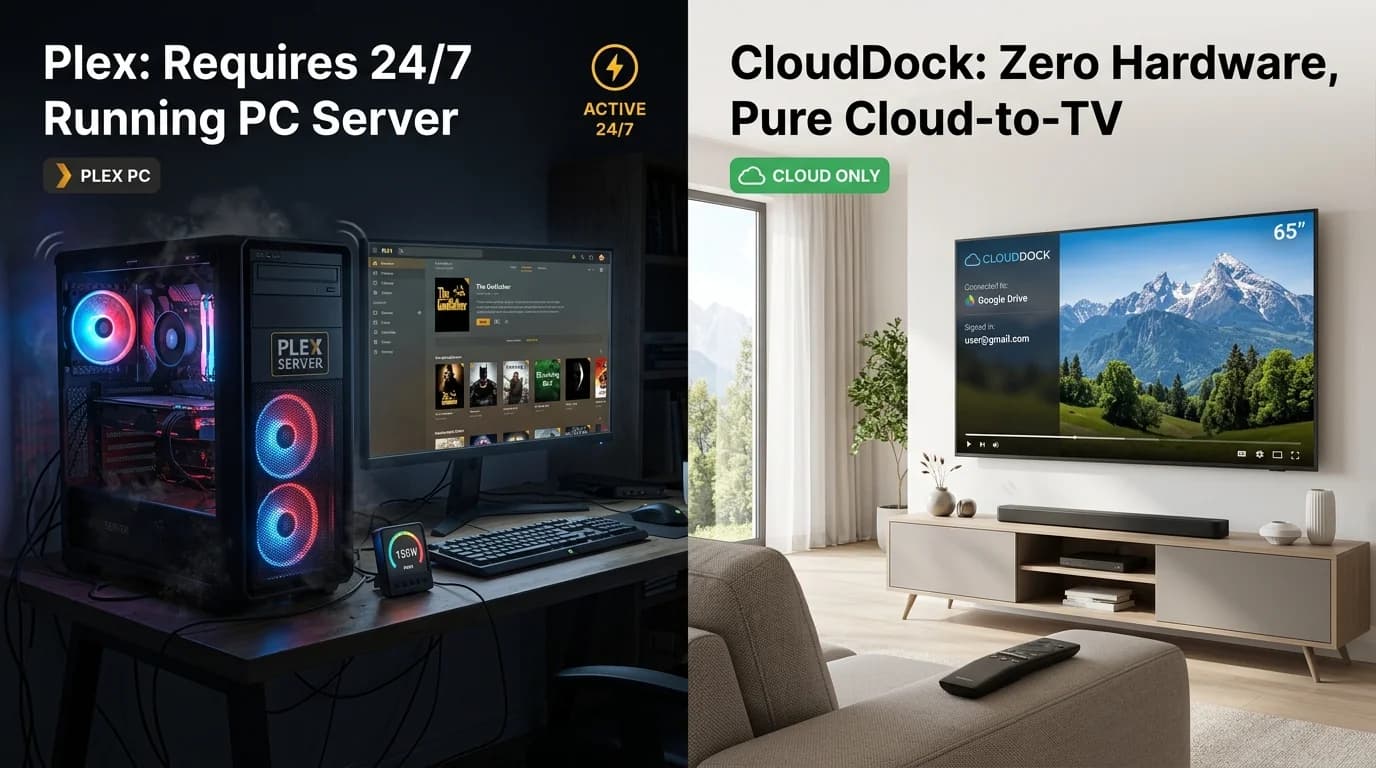
1. The Reality of 'Server Fatigue': The Pain of Self-Hosting Plex
For years, tech enthusiasts turned to Plex Media Server or Jellyfin to stream personal video collections and home video archives to their living room TVs. But ask any Plex admin about their daily experience, and you will hear about 'Server Fatigue':
Your desktop PC must stay awake 24 hours a day, 7 days a week. Fans hum in your bedroom or office. Windows update restarts your computer in the middle of the night, taking your server offline. Router port forwarding breaks when your ISP issues a new dynamic IP address.
When you sit down on your couch with your family on a Friday night, the TV app throws an error: 'Server is currently unavailable.' Instead of relaxing and enjoying your family video, you are forced to walk back to your desk to diagnose network logs.
“A home entertainment system should bring peace, not tech chores. When watching a home video requires debugging server daemons, the joy of entertainment evaporates.”
2. The Hidden Financial Cost: Electricity, NAS Hardware, and Upkeep
Running a dedicated home server is expensive:
- Electricity Costs: An idle desktop computer with multiple hard drives consumes 60W to 120W continuously. That equates to $80 to $180 (₹6,000 to ₹14,000) every single year just in utility bills.
- Hardware Upfront Cost: A 2-bay or 4-bay Synology NAS and high-capacity IronWolf hard drives cost between $500 and $1,200.
- Subscription Fees: Hardware-accelerated transcoding in Plex requires an ongoing Plex Pass subscription ($4.99/mo or $119 lifetime).
3. The Cloud Shift: Why Your Media Belongs in Google Cloud
Why invest thousands of dollars in noisy, failure-prone hard drives in your home when Google operates multi-billion dollar data centers with 99.999% uptime?
Google Drive provides rock-solid cloud storage with unthrottled gigabit egress speeds. Your files are automatically backed up against disk failures, flood, and fire. And Google pays for the data center electricity and maintenance.
All that was missing was a clean, native television player that could bridge Google Drive directly to Android TV without clumsy file trees or server software.
“Cloud Dock eliminates the home server entirely. Your TV connects directly to Google Drive's CDN via native ExoPlayer hardware decoding.”
4. Direct Hardware Playback vs. Heavy Server Transcoding
Plex was built around a legacy architecture: a central server decodes, re-encodes, and transcodes video on the fly before streaming to the client. This burns massive CPU and GPU power on your desktop.
Cloud Dock takes advantage of modern Smart TV system-on-chips (SoCs). Even budget quad-core TVs (like Xiaomi Mi TV, TCL, Kodak, Thomson) feature dedicated silicon hardware decoders for H.264 and HEVC video.
Cloud Dock streams standard 1080p H.264 streams directly to the TV's native decoder. The result is zero buffering, zero server transcoding latency, and instant timeline scrubbing from your smartphone.
5. Plex Media Server / NAS vs. Cloud Dock TV
A comprehensive comparison between running a local Plex Media Server and streaming with Cloud Dock TV:
Plex Media Server / NAS
Requires 24/7 desktop PC or dedicated NAS running; continuous fan noise and power draw.
Cloud Dock TV (Zero Server)
Zero hardware required; streams directly from Google Drive; $0 electricity cost.
Annual Operating Cost
$100–$200/year electricity bills + $500+ NAS hardware investment + Plex Pass.
Zero Hardware Costs
Leverages free or low-cost Google One storage; 100% free starter tier on TV.
Remote Setup & Maintenance
Requires port forwarding, UPnP, DDNS, and frequent server update maintenance.
3-Second QR Handshake
Zero configuration; scan QR code with phone companion and stream in 3 seconds.
Budget TV Performance
Heavy 200MB+ client app frequently lags on 1GB RAM budget Smart TVs.
Lightweight Engine
Optimized for Cortex-A53 processors with smooth 60fps hardware acceleration.
6. How to Migrate from a Heavy Media Server to Cloud Dock in 3 Minutes
Retire your home media server in three simple steps:
- Step 1: Upload your video files, home recordings, or family photos to a folder in Google Drive.
- Step 2: Install Cloud Dock on your Android TV, Google TV, or Fire TV Stick from the app store.
- Step 3: Open Cloud Dock, scan the QR code with your phone, and tap sign-in with Google Drive.
- Step 4: Power down your noisy desktop server and enjoy silky-smooth streaming from the couch!
7. Frequently Asked Questions
Common questions about choosing a Plex alternative for cloud media streaming:
Frequently Asked Questions
Related Articles & Technical Guides
Deep dives into Android TV media streaming pipelines, storage extenders, and living room memory management.
How to Stream Google Drive Videos & Photos on Android TV (Zero Remote Typing)
Stop struggling with clunky TV file explorers and battery-draining screen mirroring. Here is the step-by-step guide to streaming your Google Drive library on Android TV in 1080p.
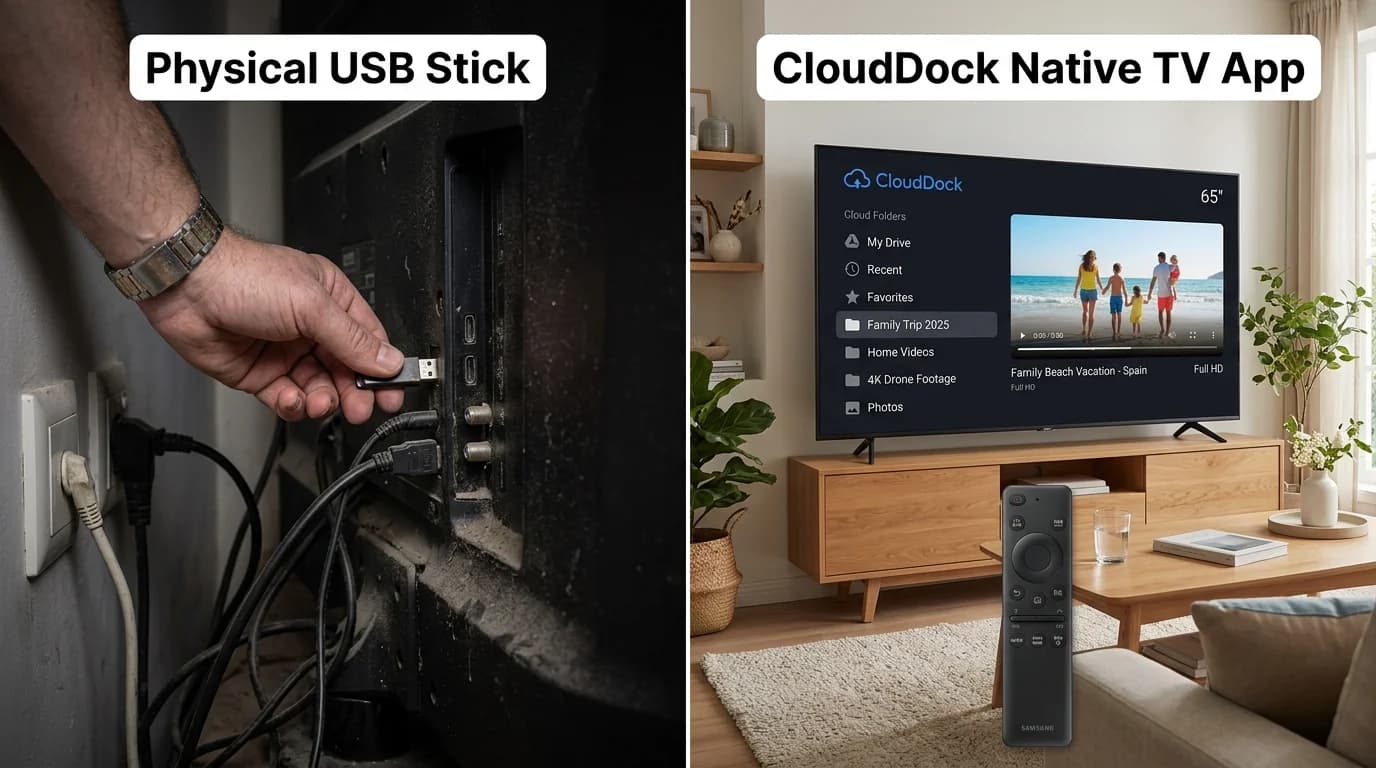
How to Play Videos on TV Without a Pendrive (The Wireless USB Guide)
Mounted your Smart TV tight against the wall? Tired of hunting for lost flash drives, FAT32 format errors, and file transfer delays? Here is how to use a 'Wireless Pendrive' for Smart TV in 2026.
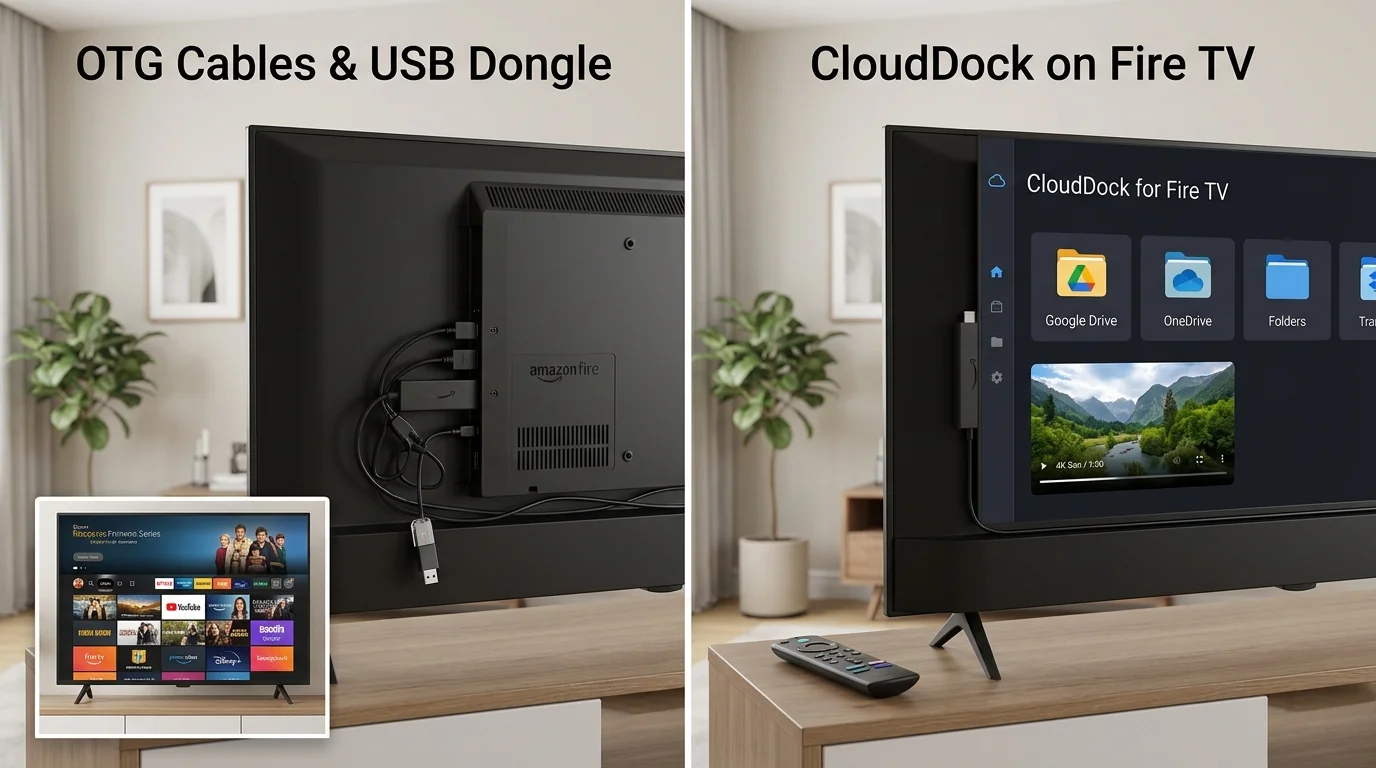
Firestick Storage Extender Guide: How to Expand Fire TV Storage Without USB
Seeing the 'Critically Low Storage' warning on your Fire TV Stick? Avoid messy OTG splitters and failing flash drives with this zero-hardware cloud streaming guide.
Upgrade Your Smart TV to Wireless Cloud Streaming
Retire your physical flash drive today. Connect Google Drive to your Android TV in 3 seconds with zero remote typing.