
How to Play Videos on TV Without a Pendrive (The Wireless USB Guide)
Mounted your Smart TV tight against the wall? Tired of hunting for lost flash drives, FAT32 format errors, and file transfer delays? Here is how to use a 'Wireless Pendrive' for Smart TV in 2026.
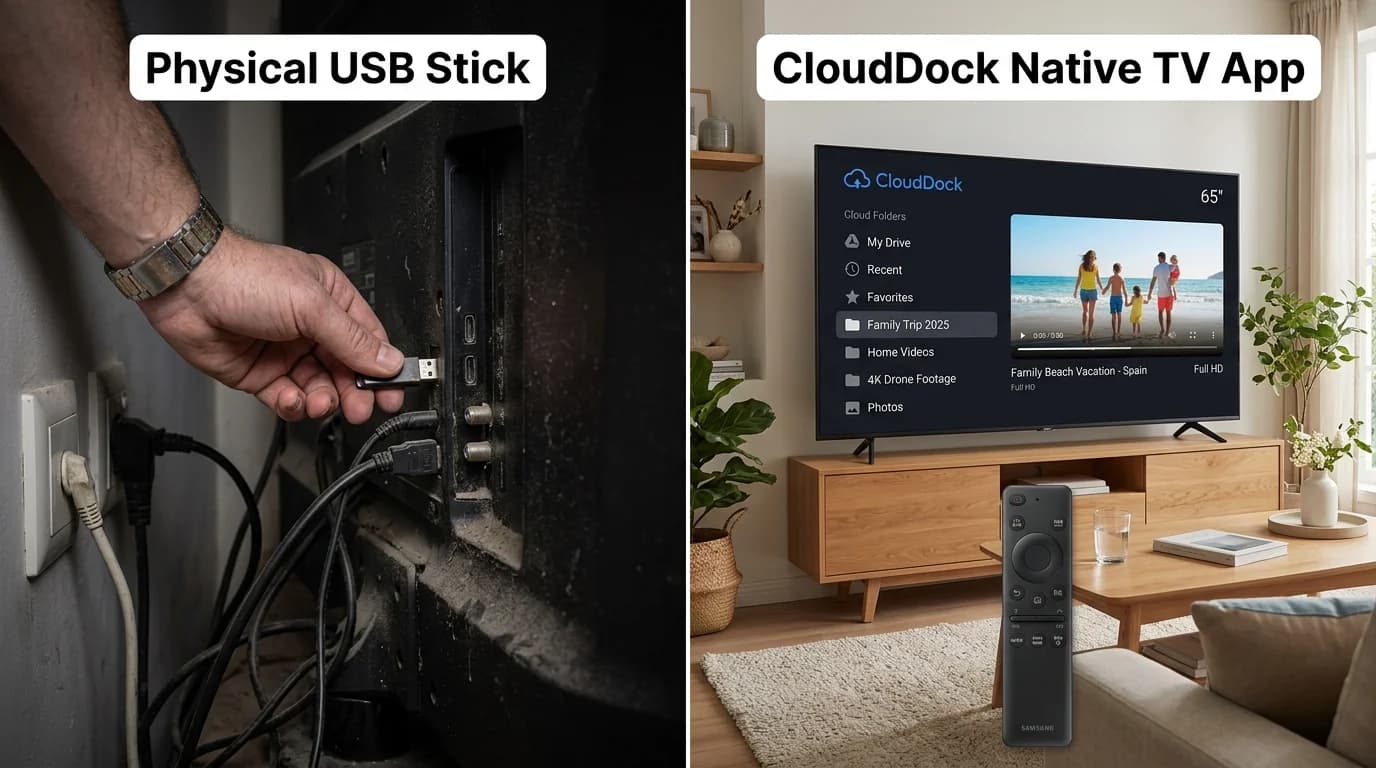
1. The Wall-Mounted TV Nightmare: The Missing USB Port
Modern 55-inch and 65-inch Smart TVs look stunning when flush-mounted against living room walls. But the moment you want to watch a family vacation video, wedding recording, or personal video file with guests, the physical ordeal begins.
You squeeze your hand into a two-inch gap behind the television, grazing your knuckles against plaster while trying to blindly locate the recessed USB port. Often, the TV bracket blocks the port entirely, or plugging in a wide flash drive bends the connector dangerously.
In 2026, when high-speed fiber Wi-Fi and 5G connections permeate every room, crawling behind a television to insert a piece of plastic into metal feels like a relic of the VHS era.
“Repeatedly jamming USB drives into blind TV ports frequently bends internal pins, scratches painted walls, and risks cracking fragile modern ultra-thin OLED/QLED bezels.”
2. The FAT32 & NTFS Format Trap: Why Smart TVs Reject Pendrives
Even if you manage to plug your USB drive into the TV, there is a high probability it will not work.
Most smart TV operating systems (including many Android TV, Tizen, and webOS models) have strict file system limitations:
- The 4GB FAT32 Ceiling: FAT32 format does not support individual files larger than 4GB. A single 4K home video or high-definition personal recording will fail to copy from your computer.
- NTFS / exFAT Incompatibility: If you format your USB drive as NTFS or exFAT to bypass file size limits, budget TVs frequently throw 'Unsupported File System' or 'Drive Unrecognized' errors.
- File Transfer Latency: Copying a 15GB video library from your PC to a thumb drive takes 10 to 15 minutes of waiting before you can even walk over to the TV.
3. What is a 'Wireless Pendrive' for Smart TV?
A 'wireless pendrive' is not a physical gadget you purchase on Amazon. It is an intelligent cloud-to-TV software bridge.
Instead of physically transferring video files between laptop and thumb drive, your existing Google Drive cloud storage becomes an on-demand, high-speed virtual media vault. Your smartphone serves as the wireless remote controller, while your television hardware decodes the video directly from the cloud.
You get all the benefits of local pendrive media playback—zero subscription fees, total privacy, and full control over your files—without any of the physical cables, formatting errors, or port access friction.
“Every smartphone owner already has 15GB to 2,000GB of high-speed Google Drive storage. Cloud Dock simply connects that storage directly to your television's native hardware decoder.”
4. How Cloud Dock Acts as Your Living Room Wireless USB
Cloud Dock TV was engineered specifically to solve the physical pendrive problem for Android TV and Google TV.
Here is how the architecture delivers a seamless wireless pendrive experience:
- Zero Hardware Required: No dongles, OTG splitters, or cables. The entire bridge runs inside lightweight native code on your TV and phone.
- Direct Hardware Decoding: Media streams directly from Google's high-speed CDN to the TV's native ExoPlayer hardware decoder. Playback is buttery-smooth in 1080p and 4K.
- 3-Second QR Pairing: No typing long Google passwords with a TV remote. The TV displays a 6-digit handshake code; you scan the QR code with your phone and authenticate in 3 seconds.
- Mobile Scrubber Companion: Scrub through two-hour videos, change folders, and adjust volume directly from your phone's touchscreen with zero latency.
5. Physical USB Thumb Drive vs. Cloud Dock Wireless Stream
A side-by-side comparison of physical flash drives versus Cloud Dock's wireless cloud streaming:
Physical USB Flash Drive
Must crawl behind wall-mounted TV; blind port hunting; scratches walls and damages ports.
Cloud Dock Wireless Stream
100% wireless; stay seated comfortably on your sofa; zero physical contact with TV needed.
Transfer Waiting Time
Wait 10–15 minutes copying files from laptop to USB before you can watch.
Instant 0-Second Playback
Tap play on your smartphone companion and the video starts instantly on the television.
File Size & Formatting Errors
FAT32 4GB file size limit; frequent 'unsupported format' errors on budget Smart TVs.
Unlimited File Sizes
Streams 10GB+ 4K HDR video files effortlessly without file system corruption.
Hardware Cost & Loss
Cost $15–$30 each; easily misplaced in drawers; flash memory degrades over time.
Zero Hardware Costs
Leverages your existing free Google Drive storage; immune to physical hardware loss.
6. How to Play Videos on TV Without USB (3-Minute Setup)
Setting up your wireless pendrive takes less time than copying a single video file:
- Step 1: Install Cloud Dock on your Android TV or Google TV from the Google Play Store (Search 'Cloud Dock TV').
- Step 2: Launch the app to see your instant 6-digit handshake code and QR code on screen.
- Step 3: Scan the QR code with your smartphone camera. Sign in with Google Drive via official OAuth in 1 tap.
- Step 4: Select any video, recording, or photo folder. It mounts instantly on your TV screen with full playback controls!
“Family members can take turns pairing their own phones in 3 seconds to show vacation clips without swapping physical drives around the living room.”
7. Frequently Asked Questions
Common questions about using wireless pendrive alternatives for Smart TV:
Frequently Asked Questions
Related Articles & Technical Guides
Deep dives into Android TV media streaming pipelines, storage extenders, and living room memory management.
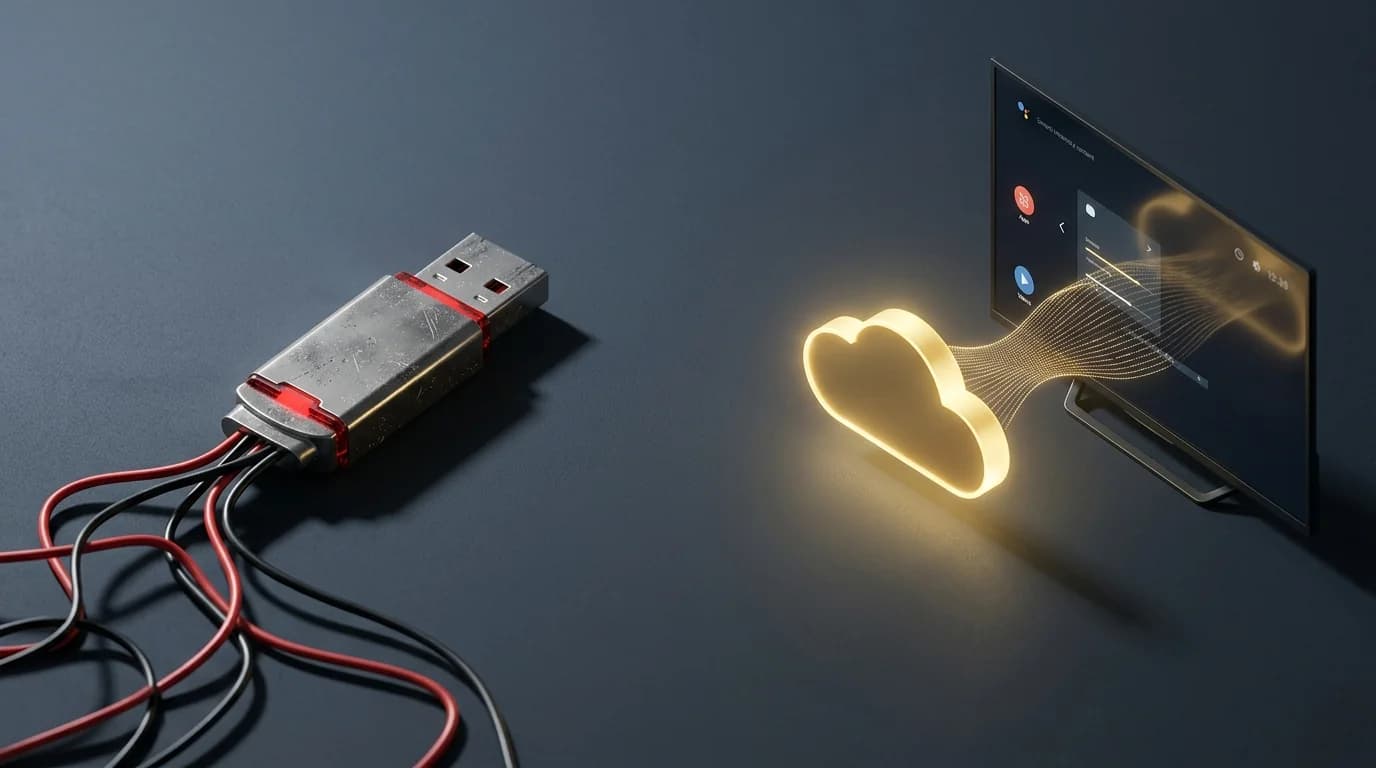
Why Cloud Dock TV Is the Ultimate Pen Drive Alternative for Smart TV Owners
For over 15 years, our reflex for playing personal photos and videos on TV was grabbing a USB stick. Here is why the physical pen drive is officially obsolete in the modern living room.
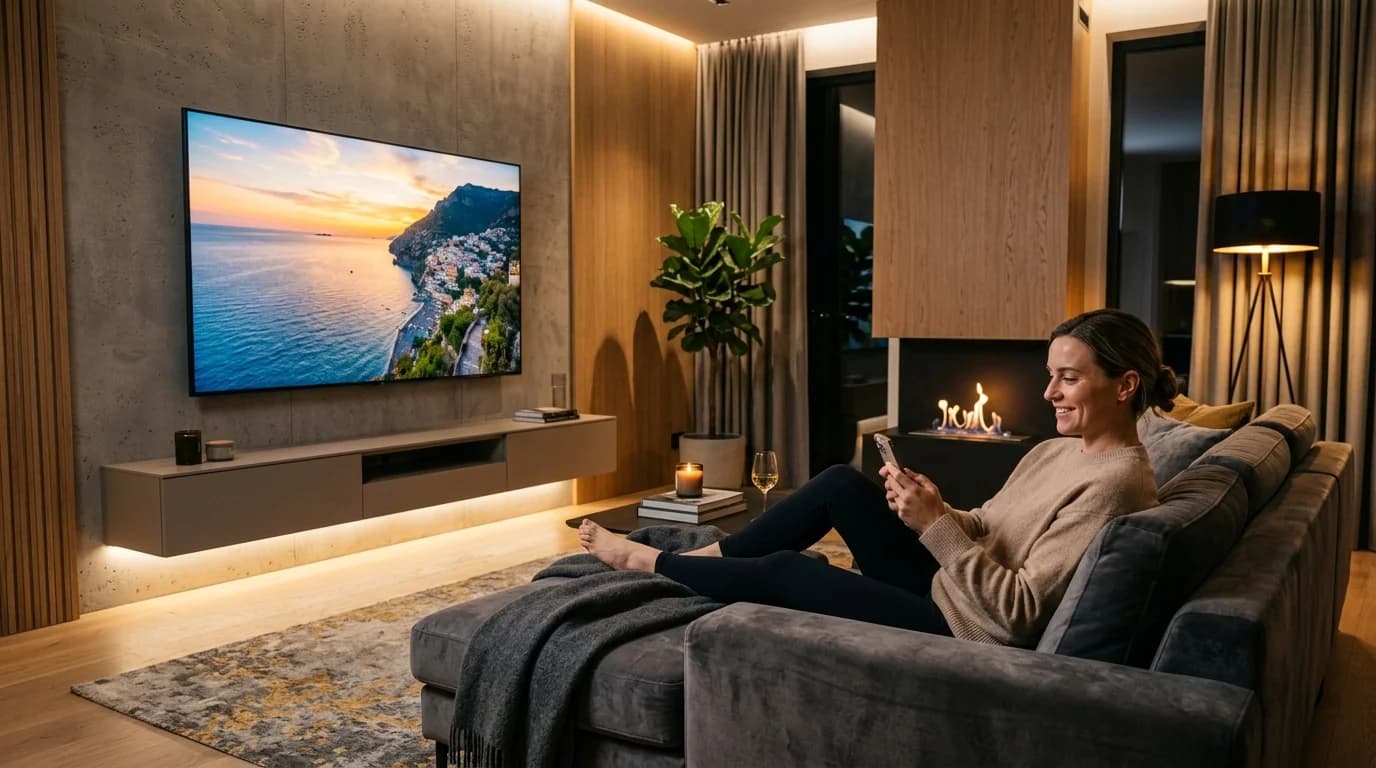
How to Stream Google Drive Videos & Photos on Android TV (Zero Remote Typing)
Stop struggling with clunky TV file explorers and battery-draining screen mirroring. Here is the step-by-step guide to streaming your Google Drive library on Android TV in 1080p.
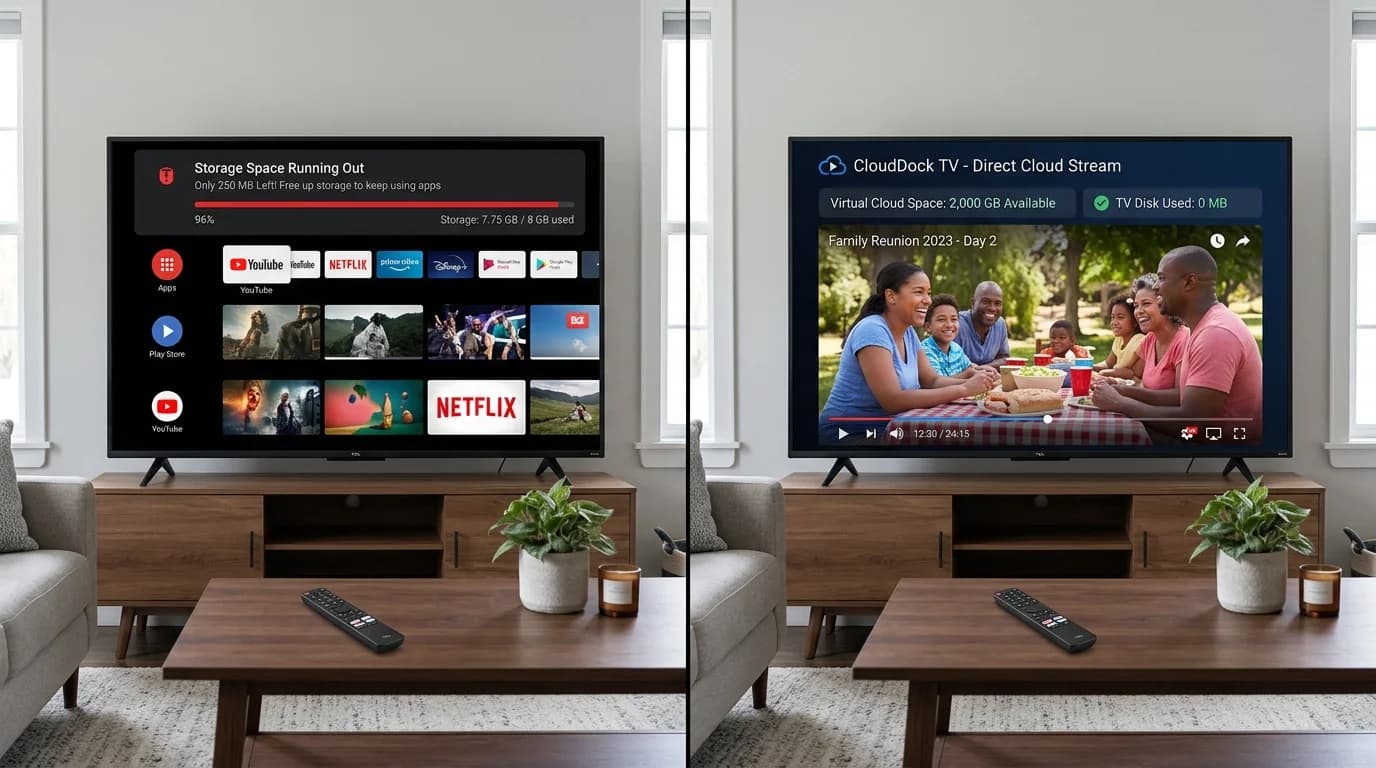
Android TV Storage Space Running Out? 6 Ways to Fix It (And Expand Without USB)
Constantly hit with the 'Storage Space Running Out' error on your Smart TV? Discover why 8GB budget TVs choke on storage and how to expand your TV storage to 2,000 GB wirelessly.
Upgrade Your Smart TV to Wireless Cloud Streaming
Retire your physical flash drive today. Connect Google Drive to your Android TV in 3 seconds with zero remote typing.