
Stream Google Drive videos on Android TV — the wireless pen drive for your living room.
Connect personal Google Drive storage to your Android TV in 3 seconds. Play large 4K video files, home movies, and family albums lag-free. Zero cables, zero remote typing.
1. The 3-Second TV Handshake
The TV displays an encrypted QR code and 6-digit PIN (784-291). Point your phone camera to pair in seconds—zero remote typing.
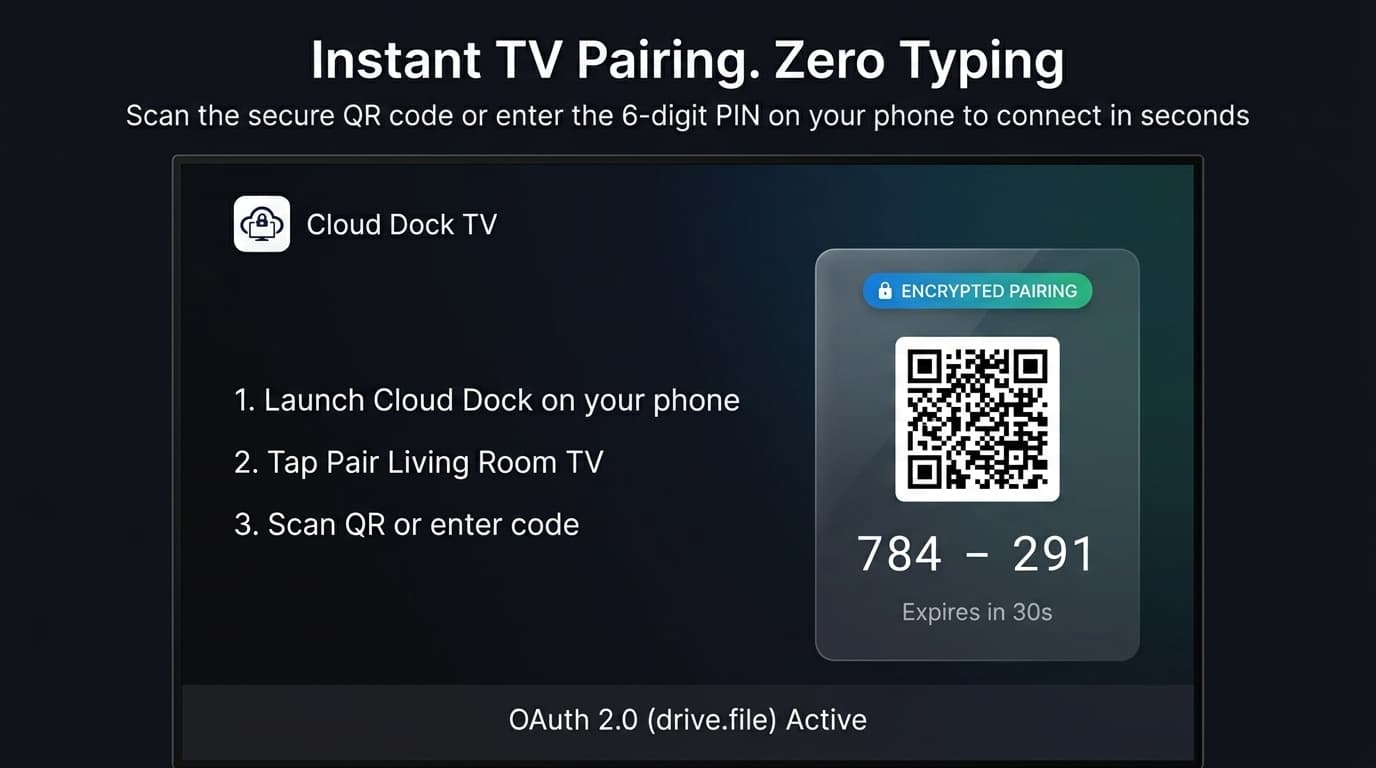
TV displays instant QR handshake & 6-digit PIN. Pair from your sofa without pecking cumbersome on-screen keyboards.
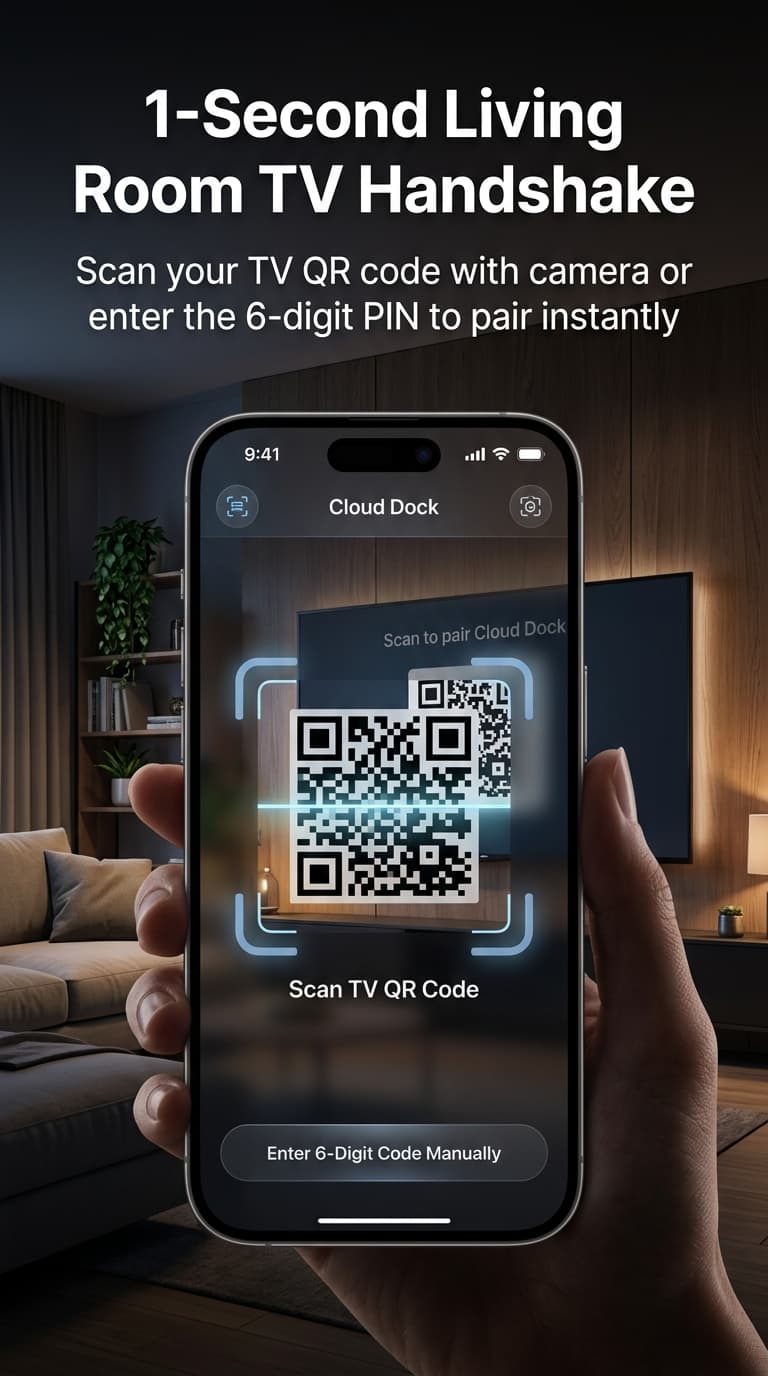
Zero Pendrive Reaching
Stop squeezing your arm behind 65″ wall mounts to plug in USB drives. Select any Google Drive folder on your phone and stream in seconds.
100% Private Sandbox
Your Google password never touches the TV. Only the albums you explicitly choose appear on the big screen—no family photo leaks.
Zero Phone Battery Drain
Unlike screen mirroring, CloudDock streams directly from Google servers to the TV hardware processor. Your phone stays cold and free.
Never reach behind a wall-mounted TV again.
Tired of blindly squeezing your arm behind 65-inch wall mounts to insert flash drives? Upload large video files, recordings, or family albums on your phone once, and your TV streams them automatically in 3 seconds.
Hardware Accelerated (Under 80MB RAM)
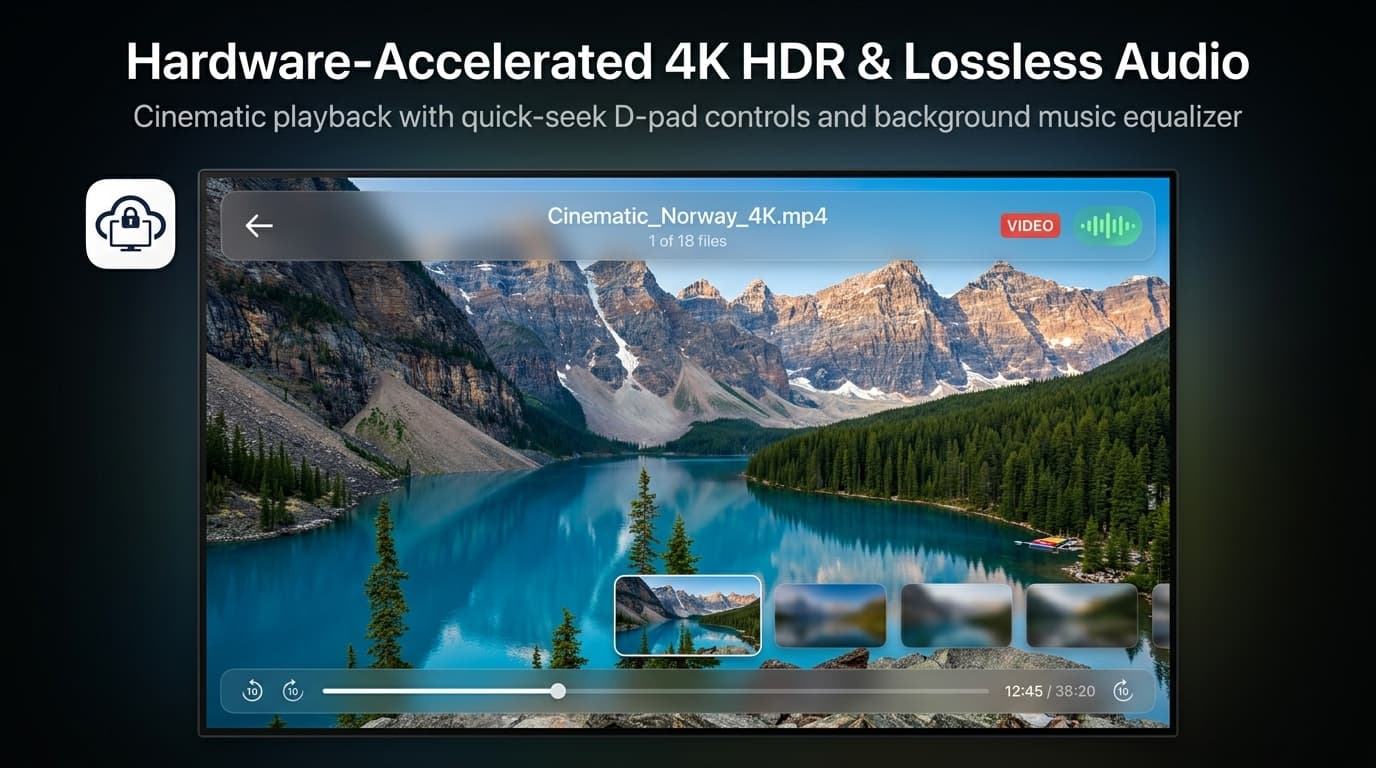
Budget TVs often reject large files with codec errors. CloudDock decodes smoothly with native hardware acceleration without crashing low-RAM TVs.
Keeps Your Phone 100% Free
Not screen mirroring. Your TV streams directly from the vault, so you can take calls, text, or lock your phone without interrupting playback.
One Core Product. Built for Your Exact Problem.
You don't need a complicated media server. CloudDock puts your cloud files on your TV. Choose the scenario that matches your setup:
Watch Your Google Drive Videos on TV
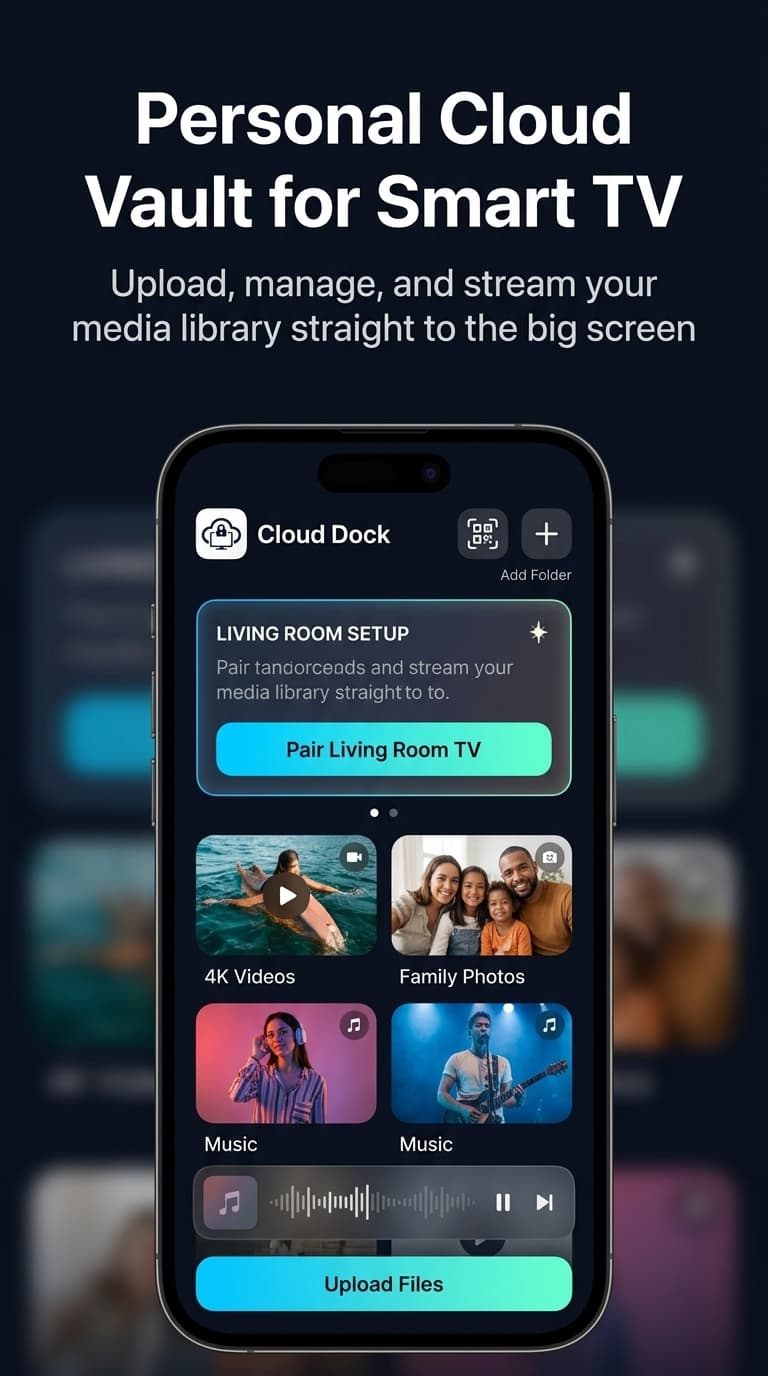
Upload large 4K videos and family recordings from your CloudDock mobile app and stream directly to Android TV, Google TV, and Fire TV. Enjoy stutter-free playback with zero phone battery drain and zero remote password typing.
No More Pendrive. Stream Wirelessly.
Stop crawling behind your TV to hunt for recessed USB ports or dealing with FAT32 4GB format limits. CloudDock turns your existing Google Drive into a high-speed wireless pendrive—tap on your phone, watch on TV.
Free Up Your TV's Storage
Budget smart TVs only have 8GB of internal storage. CloudDock streams files using a lightweight 24MB transient RAM buffer and releases memory immediately—giving your TV 2,000GB of cloud media capacity with 0MB stored on your TV.
Family Photos on the Big Screen
Gather everyone on the couch. Stream Google Drive photo albums and holiday home videos with ambient transitions. 100% notification private—your WhatsApp messages and phone alerts never leak onto the TV.
How it works: 3 effortless steps
Click any step to preview what appears on your Android TV screen:
Point your camera.
No remote typing.
Open your phone's camera and scan the QR code. Your Google credentials authenticate securely on your mobile browser.
Bank-Grade Security.
Private Sandbox.
Authenticate instantly with your phone's fingerprint or Face ID. Zero passwords exposed on the living room screen.
No more clicking 50 times to type your password.
Entering long email addresses and complex passwords on an Android TV remote is slow, awkward, and frustrating. CloudDock handles authentication entirely on your phone via official Google OAuth. Your TV connects in seconds.
- 100% zero typing on the TV remote
- Instant Google OAuth login on your mobile browser
- Your master Google password is never exposed to the TV
We can never see your private Google Drive files.
Generic file explorers demand full read-and-write permissions to your entire Google Drive. CloudDock uses Google's restricted drive.file scope. It only creates a dedicated, isolated folder named .cloud dock. It is technically impossible for the app to access your private tax documents, work spreadsheets, or personal emails.
- Restricted
drive.filesandbox — cannot touch other files - Zero server caching — media streams straight from Google CDN to TV
- Zero data retention — no personal information is ever logged
Why screen mirroring & USB drives fail
A calm, honest look at why CloudDock is built specifically for the living room TV.
| Feature | CloudDock TV | Screen Mirroring | USB Flash Drive |
|---|---|---|---|
| Setup Effort | ⚡ 3-Second QR Scan | Network pairing scan | Copying files back & forth on PC |
| TV Remote Typing | ✓ Zero typing required | Zero (Phone mirrors) | Zero |
| Phone Battery Drain | ✓ 0% Drain (TV decodes) | Heavy (Phone re-encodes) | 0% |
| Private Notification Leaks | ✓ 100% Shielded (Phone stays free) | Exposes WhatsApp & calls | 100% Shielded |
| Budget TV Smoothness | ✓ Under 80MB RAM (Zero lag) | Frequent dropped frames | Unreadable format errors |
Bring your family memories to the big screen.
Install CloudDock on Android TV or Google TV. Free, private, and effortless.
Download Free for Android TVCertified Smart TV Platforms & Chipsets
Engineered and tested for 60fps UI and lag-free 1080p/4K video playback across certified Android TV hardware.
Frequently Asked Questions
Common questions about streaming Google Drive and connecting to Android TV.
Ready to upgrade your living room setup?
Join thousands of power users who have turned their Android TVs into elegant, direct-streaming hubs.
Get CloudDock FreeLiving Room Guides & Hardware Teardowns
In-depth articles on Android TV video pipelines, smart home protocols, and why physical USB sticks are officially obsolete.
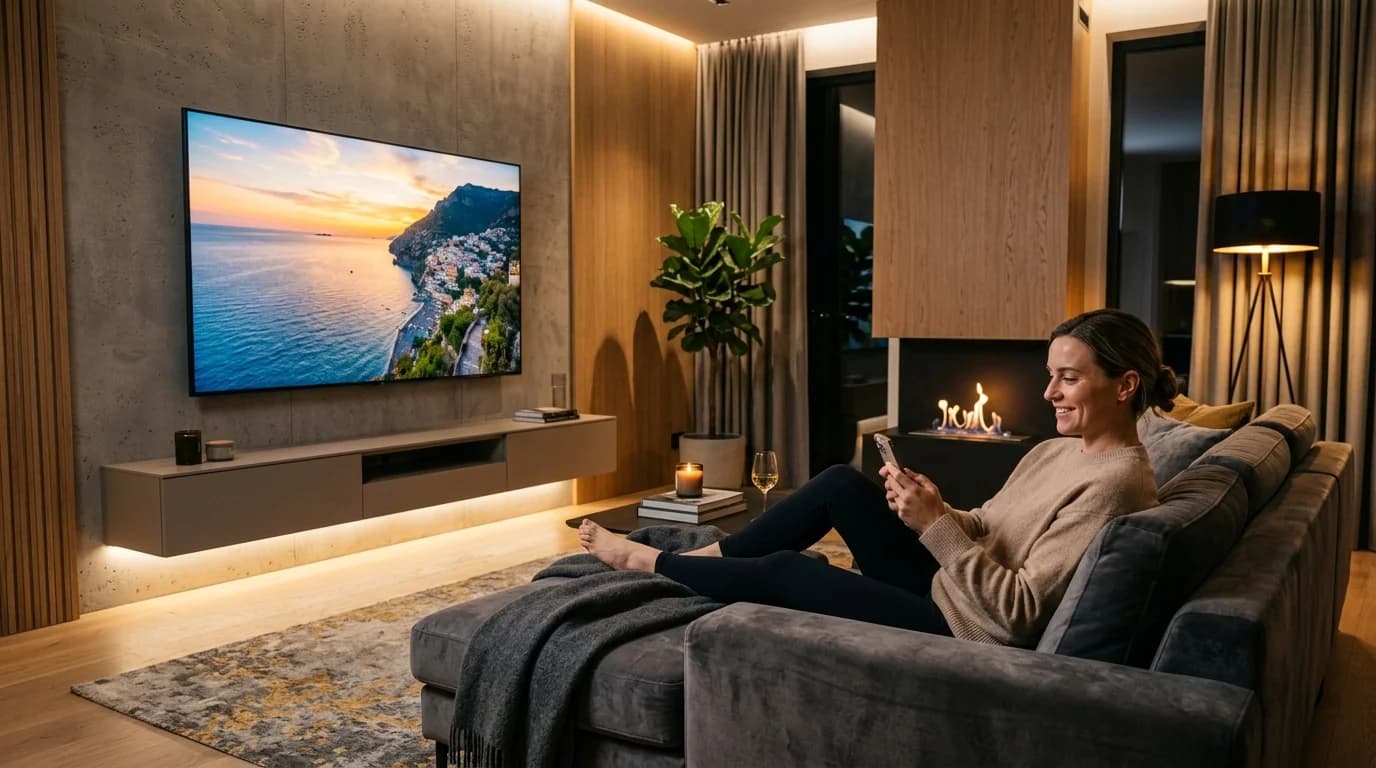
How to Stream Google Drive on Android TV (Zero Remote Typing)
Stop struggling with clunky TV file explorers and battery-draining screen mirroring. Learn how Cloud Dock's 3-second phone QR handshake delivers smooth 1080p cloud cinema.
Physical USB Pen Drive vs. Cloud Dock TV
Side-by-side technical breakdown comparing physical thumb drive transfer speeds, wall-mount friction, and FAT32 format errors against native cloud decoders.
Explore Cloud Dock Alternatives, Device Setups & Features
Comprehensive comparisons, hardware-accelerated codec guides, and zero-typing pairing tutorials for Android TV, Google TV, and Fire TV.
- → Cloud Dock vs AnExplorer
- → Cloud Dock vs VLC Media Player
- → Cloud Dock vs Kodi Google Drive Add-on
- → Cloud Dock vs Physical USB Pen Drive
- → Cloud Dock vs Screen Mirroring & Miracast
- → Cloud Dock vs Send Files to TV (SFTV)
- → Cloud Dock vs TVDrive
- → Cloud Dock vs X-plore File Manager
- → Cloud Dock vs Chromecast Casting
- → Cloud Dock vs Plex Media Server
- → Cloud Dock vs Pen Drive
- → All Articles & Guides
- → Why Cloud Dock TV Is the Ultimate Pen Drive Alternative for Smart TV Owners
- → How to Expand Android TV Storage Without a USB Drive
- → Why Are Our Most Precious Family Memories Trapped on 6-Inch Screens?
- → How to Send Photos to Your Parents' Smart TV From Anywhere in the World
- → How to Stream Google Drive Videos & Photos on Android TV
- → How to Play Videos on TV Without a Pendrive
- → Android TV Storage Space Running Out? 6 Ways to Fix It
- → Firestick Storage Extender Guide: How to Expand Fire TV Storage Without USB
- → Plex Alternative for Cloud Storage: Stream Google Drive on TV Without a 24/7 PC Server