
How to Send Photos to Your Parents' Smart TV From Anywhere in the World
Living 1,000 miles away from your parents or grandparents? Here is how to light up their living room with baby photos and family memories using the 3-second Cloud Dock TV bridge.
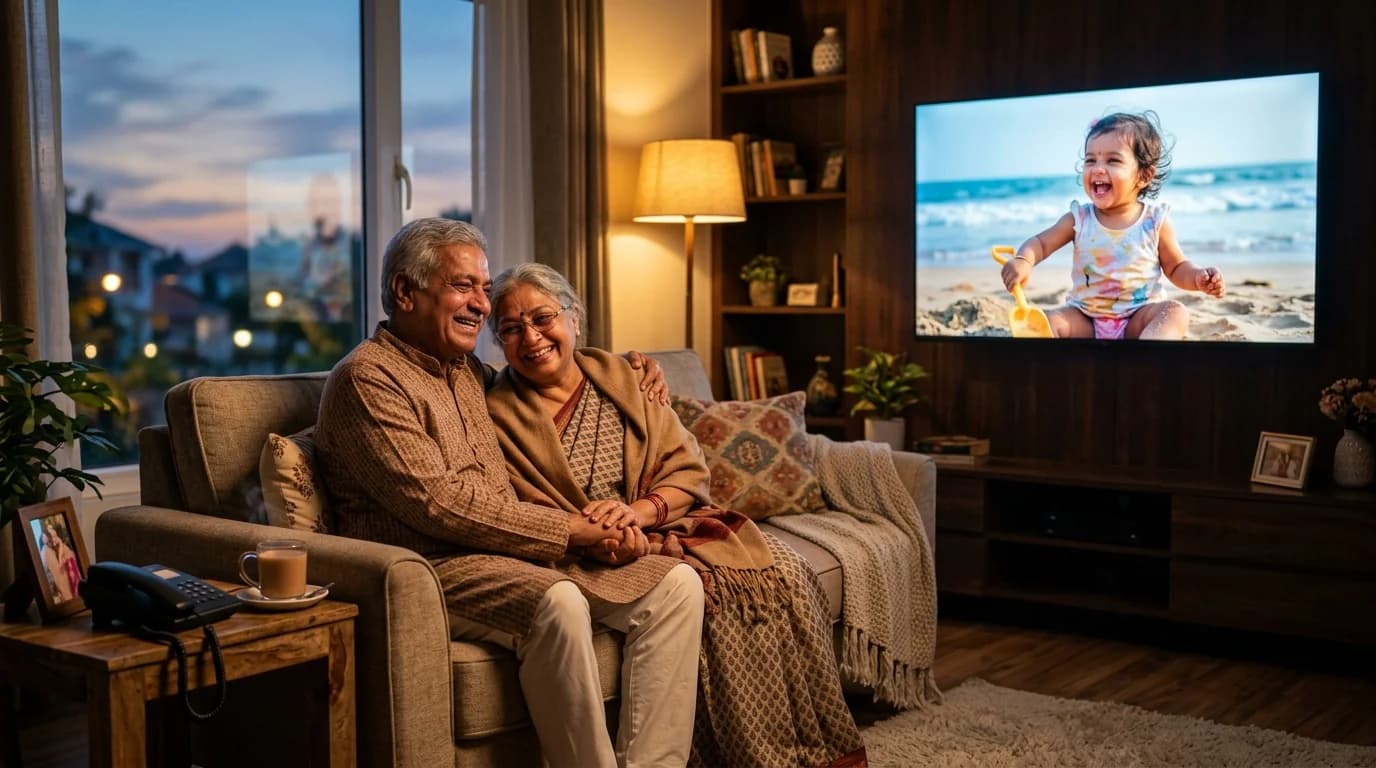
1. The Long-Distance Heartache: Living 1,000 Miles Away
Every evening in thousands of homes across the country and the world, the same tender phone call takes place: 'Beta, how is everything? Send some photos of the kids! We haven't seen their faces all week.'
You work in Bangalore, Mumbai, Hyderabad, or London. Your parents or grandparents live in Jaipur, Chandigarh, Kolkata, or Ahmedabad. You love them dearly, but life, career, and geography have placed hundreds or thousands of miles between your living rooms.
So what do you do? You send a batch of photos on WhatsApp. And on the other end: your 62-year-old mother puts on her bifocal reading glasses, holding her 5-inch smartphone six inches from her face, squinting to see her grandchild's smile. Your father's phone storage is already filled with heavy video forwards, so half the images fail to download.
Meanwhile, sitting directly in front of your parents in their living room is a massive, beautiful 55-inch Smart TV—often completely dark or tuned to endless cable news debates. Why should your parents have to squint at a tiny glass screen to see the people they love most in the world?
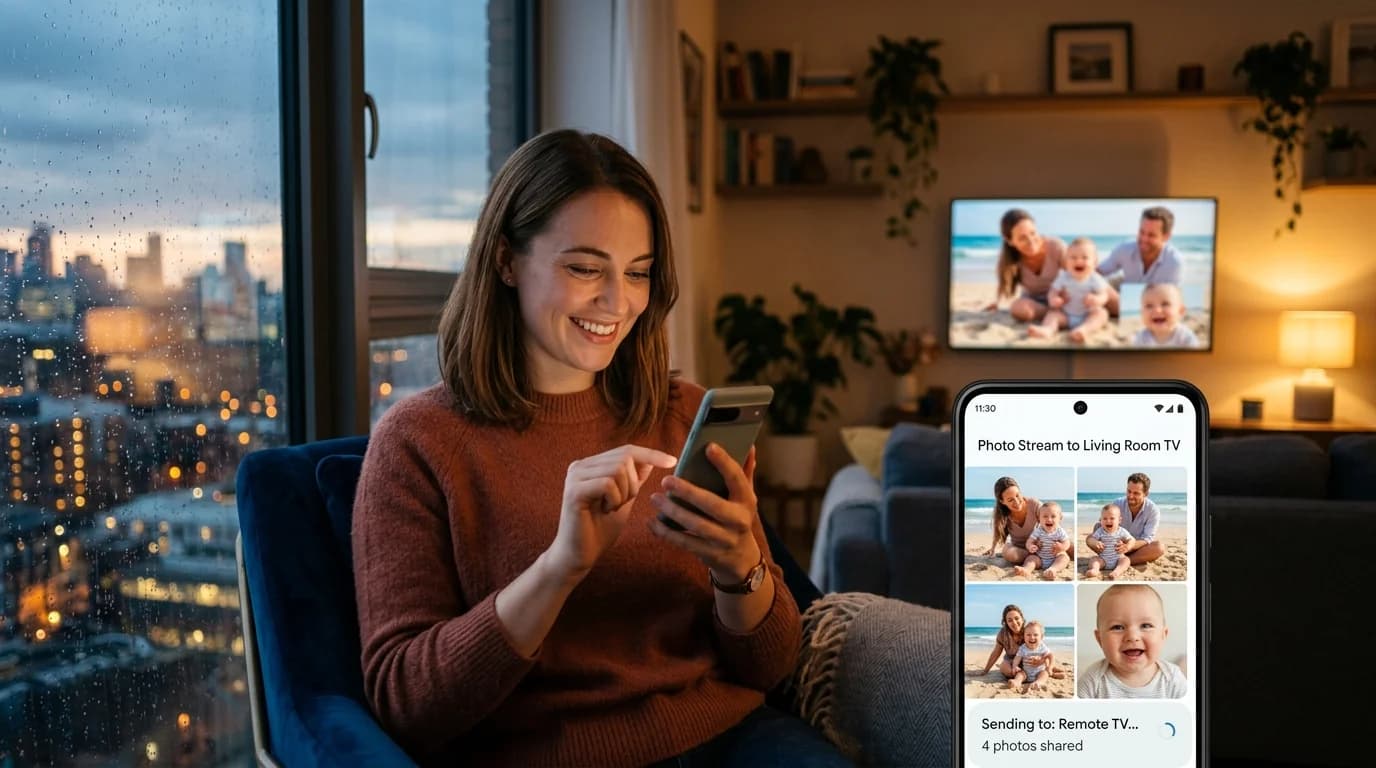
2. Why Traditional Casting (Chromecast & AirPlay) Fails Across Distance
The immediate instinct many tech-savvy children have is: 'Can't I just cast my screen to their TV?' The answer is an emphatic NO.
Traditional streaming protocols like Google Chromecast, Apple AirPlay, and Miracast were engineered with a fundamental limitation: both devices MUST be connected to the exact same local Wi-Fi router in the same physical room.
If you are not sitting in their living room connected to their home Wi-Fi network, screen mirroring simply does not work. Until now, bridging that distance required buying expensive, specialized digital photo frames ($150–$300) with tiny 8-inch screens that require ongoing monthly subscriptions.
“Standard Chromecast and AirPlay cannot route packets across different internet networks. Cloud Dock TV eliminates this limitation entirely by routing stream tokens through a real-time cloud relay.”
3. The Cloud Dock TV Solution: The Zero-Distance Cloud Bridge
This is why Cloud Dock TV was designed with a decoupled Cloud Protocol instead of a local Wi-Fi mirror. Cloud Dock TV connects your phone to the TV through a high-speed, encrypted cloud handshake (powered by Firebase WebSockets and Google Drive).
Distance does not exist in the cloud. Whether you are at your office desk in Bangalore sending weekend picnic photos to parents in Delhi, or studying abroad in London sending graduation clips to grandparents in Pune, your memories appear on their living room TV in 3 seconds flat.
- Zero Distance Limitations: Works across different Wi-Fi networks, mobile data (4G/5G), and across international borders.
- Zero Effort for Elderly Parents: No complex navigation or password typing. Your parents simply turn on the TV and enjoy the memories.
- 100% Notification Privacy: Your personal WhatsApp chats, banking alerts, and phone calls never show up on their TV screen.
4. How It Works in 3 Simple Steps
You do not need to buy new hardware. You do not need to fly home to set up complicated cables. Here is how easy it is:
- Step 1: Your Parents Turn on the TV (Zero Setup on Their End) — They open the Cloud Dock TV app on their Android TV. The screen displays a large, clear 6-digit handshake code (e.g., 518-294). They simply read the 6 numbers to you over the phone.
- Step 2: You Connect from Your Phone (Anywhere in the World) — On your smartphone, open clouddock.app or the Cloud Dock companion app. Type their 6-digit code and authenticate with Google Drive in 1 tap.
- Step 3: Watch Their Living Room Light Up — Select the photo album, festival videos, or baby milestones you want to share. Instantly, the photos appear on their 55-inch TV screen with smooth, cinematic transitions.
“Once you connect with their TV once, the TV can remember your companion session. You can surprise them with new photo updates on weekends without needing them to do anything at all!”
5. Long-Distance Sharing Comparison
Here is how Cloud Dock TV compares to traditional ways of sending photos to parents:
WhatsApp / Email Sharing
Parents must squint at 5-inch phone screen with bifocals, storage fills up, solitary glance.
Cloud Dock TV Stream
Glorious 55-inch living room display, zero storage used on parents' phone, shared family ritual.
Chromecast / Screen Mirroring
Impossible across distance! Requires both phone and TV to be on the exact same home Wi-Fi network.
Encrypted Cloud Bridge
Works seamlessly across different cities, cellular 4G/5G, and international borders.
Dedicated Digital Photo Frames
Expensive ($150–$300), tiny 8-inch screens, often requires paid monthly cloud subscriptions.
Cloud Dock TV (Free)
Free app on your existing Android TV, massive 55-inch screen, zero extra hardware to purchase.
6. The Pure Emotional Joy on the Other Side
Imagine the scene this Sunday evening: your parents finish their dinner. Your mother sits on the sofa with a warm cup of cardamom chai. Your father turns on the television.
Suddenly, without either of them touching a button, the screen illuminates. There, in breathtaking 55-inch high definition, is their 3-year-old granddaughter laughing on a beach, waves splashing around her tiny feet. Next comes a photo of you smiling, and a video clip of her singing a nursery rhyme learned just yesterday.
Your mother's face lights up with a radiant smile. Your father puts his arm around her. For the next hour, they sit together in their living room, surrounded by the warmth of their family, feeling close to you despite the thousands of kilometers between you.
That is the true purpose of technology: not to distract us, but to bring us home.
7. Frequently Asked Questions
Common questions about sending photos and videos to parents' Smart TVs long distance:
Frequently Asked Questions
Related Articles & Technical Guides
Deep dives into Android TV media streaming pipelines, storage extenders, and living room memory management.
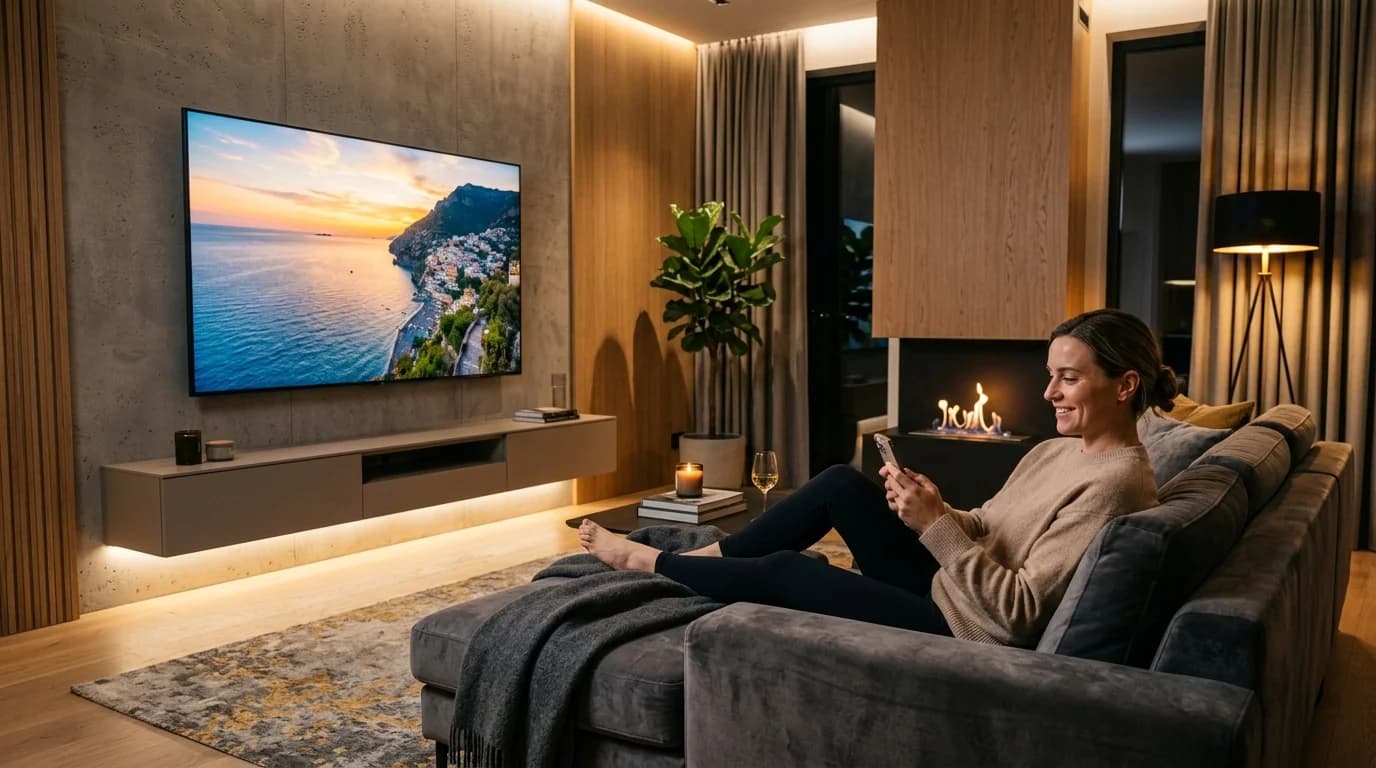
How to Stream Google Drive Videos & Photos on Android TV (Zero Remote Typing)
Stop struggling with clunky TV file explorers and battery-draining screen mirroring. Here is the step-by-step guide to streaming your Google Drive library on Android TV in 1080p.
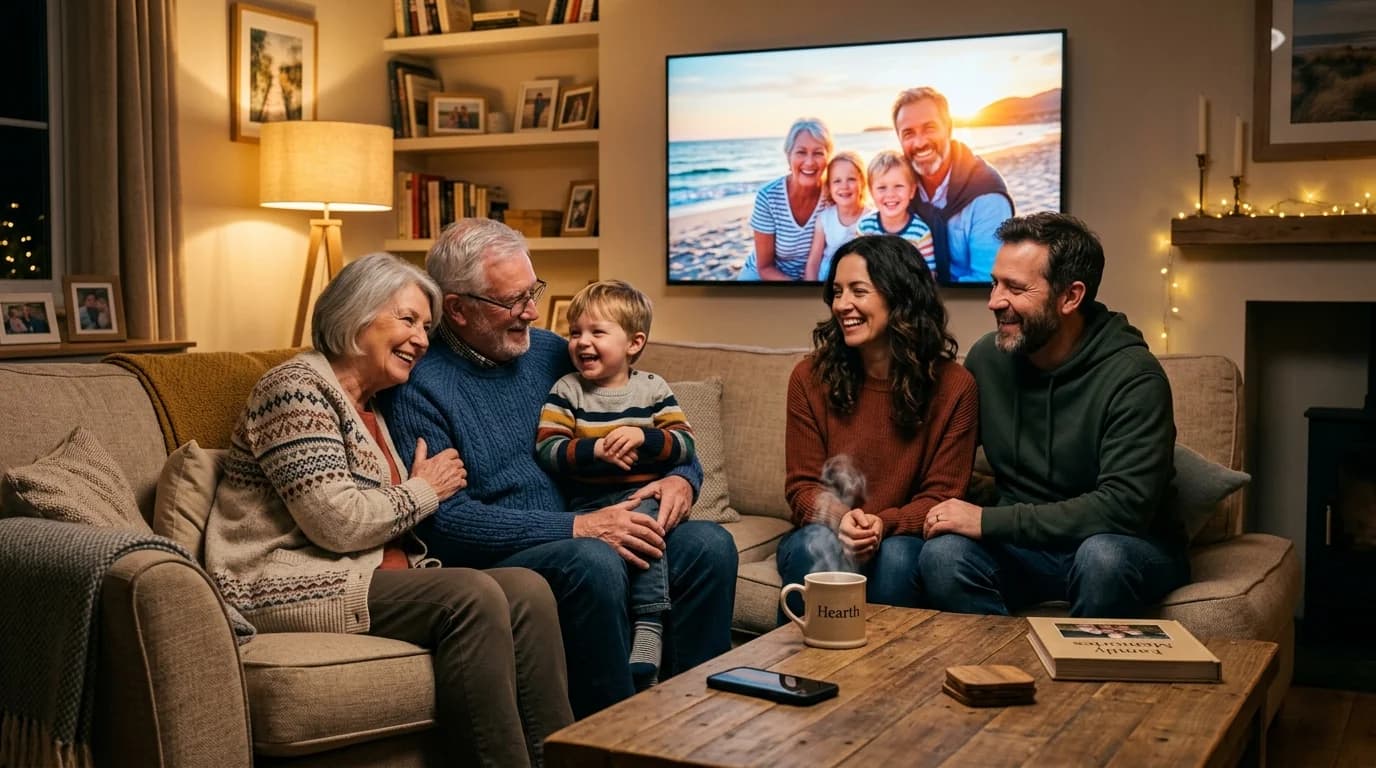
Why Are Our Most Precious Family Memories Trapped on 6-Inch Screens?
The Quiet Tragedy of the Modern Family Album — And How to Bring Warmth, Laughter, and Shared Nostalgia Back to the Living Room.
Why Cloud Dock TV Is the Ultimate Pen Drive Alternative for Smart TV Owners
For over 15 years, our reflex for playing personal photos and videos on TV was grabbing a USB stick. Here is why the physical pen drive is officially obsolete in the modern living room.
Upgrade Your Smart TV to Wireless Cloud Streaming
Retire your physical flash drive today. Connect Google Drive to your Android TV in 3 seconds with zero remote typing.