
Why Are Our Most Precious Family Memories Trapped on 6-Inch Screens?
The Quiet Tragedy of the Modern Family Album — And How to Bring Warmth, Laughter, and Shared Nostalgia Back to the Living Room.
1. The Living Room We Left Behind
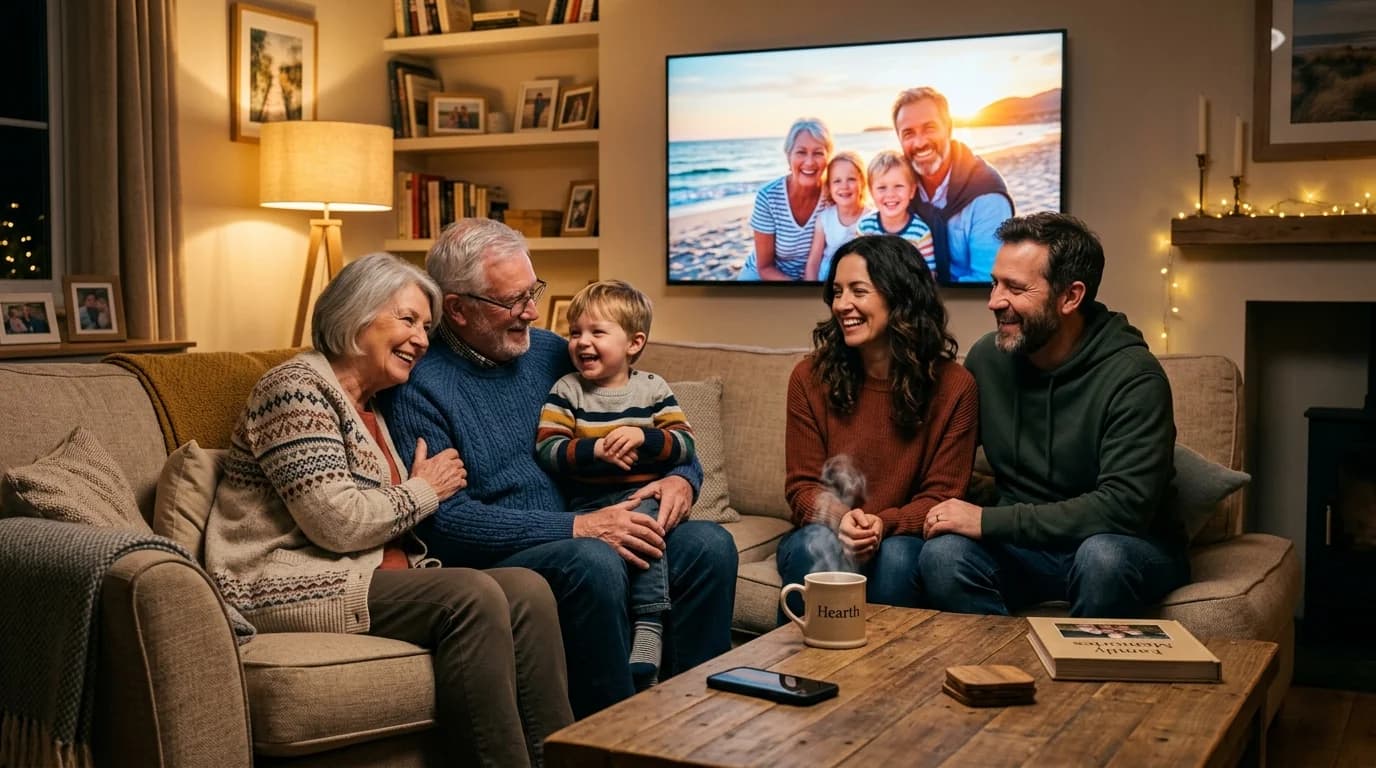
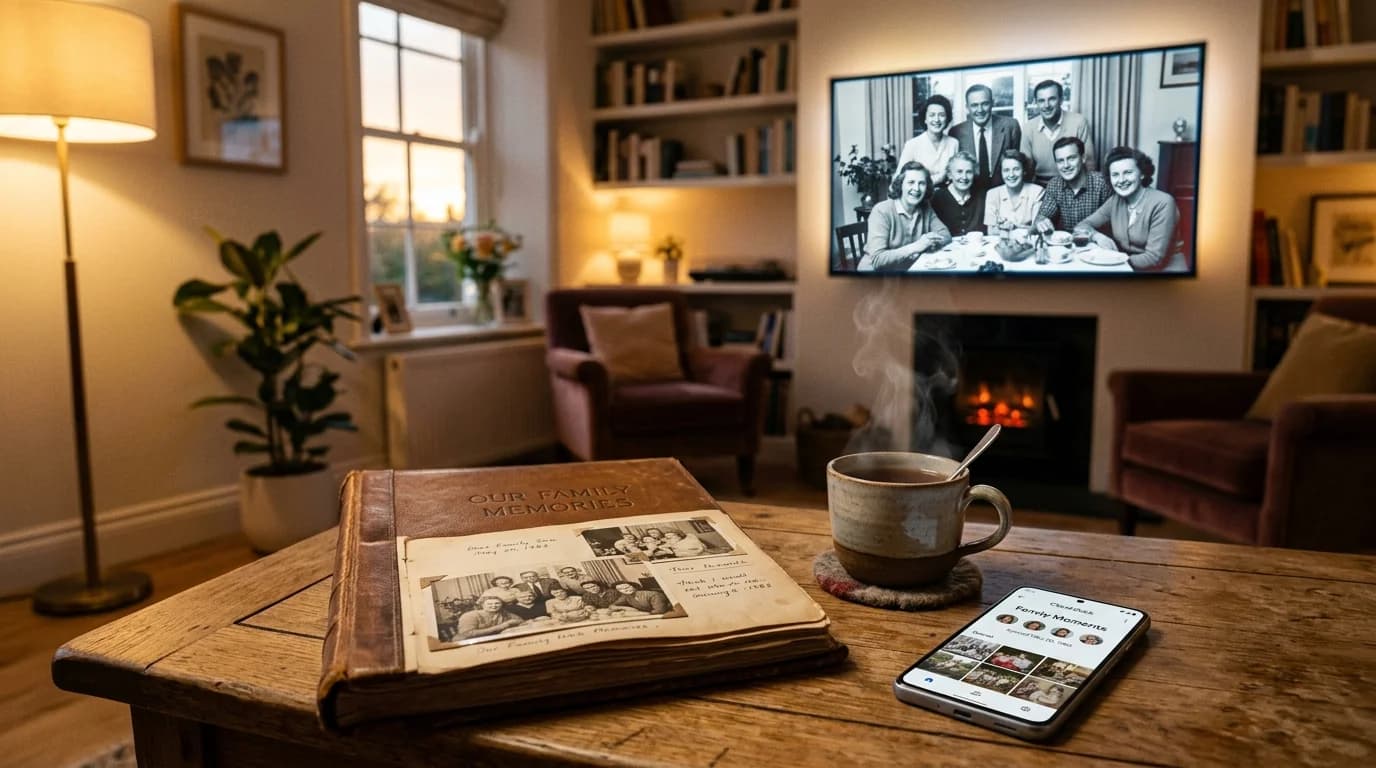
Think back to fifteen or twenty years ago. Remember that oversized, velvet-bound photo album resting on the living room coffee table? Whenever family or relatives visited, someone would inevitably pull down that heavy book. Everyone would scoot close on the sofa, shoulders touching, tea cups steaming on the side table.
Page by heavy plastic page, memories came alive. Laughter erupted over retro haircuts, mothers wiped away quiet tears looking at childhood birthdays, and grandparents narrated stories about generations past. Looking at photos wasn't a solo, fleeting swipe—it was a cherished, shared ritual.
Now, look at your living room today. Mounted on your wall is a sleek, gorgeous 55-inch Smart TV. Yet most evenings, it sits as a cold, silent black rectangle, or plays repetitive cable news and mindless background noise.
Meanwhile, where are your family's most precious milestones? They are trapped deep inside Google Drive. Tens of thousands of high-definition photos and 4K video clips: your niece's first wobbly steps, parents laughing on a holiday boat, Diwali celebrations with sparklers on the balcony, and graduations. We capture more memories today than at any point in human history, but we experience them together less than ever.
2. The 3 Broken Tech Ordeals We Face Today
It is not that you haven't tried to share them. Every tech-minded son, daughter, or grandchild has experienced that awkward Sunday evening attempt: 'Wait, let me show you the holiday photos!'
And then, the modern tech ordeal begins:
- The Screen Mirroring Embarrassment: You try to cast or mirror your phone screen. The Wi-Fi stutters. Halfway through a tender clip of your mother singing, an urgent work alert or a private personal WhatsApp chat pops up on the 55-inch screen in front of everyone. You scramble to kill the connection, red-faced and flustered.
- The Remote Control Nightmare: You attempt to set up a TV file manager. Suddenly you are stuck with a plastic remote control D-pad, typing a 24-character Google password and hunting for letters on a clumsy virtual keyboard while parents watch in awkward silence.
- The Video Stutter: Even if you manage to open a video, budget Smart TV processors drop frames, choke on high-bitrate codecs, and freeze the playback.
“When technology requires more than 30 seconds of troubleshooting, cognitive fatigue sets in. Families politely say, 'It is okay, beta, we will look at it on your phone later.' The emotional momentum evaporates, and the TV is switched back to cable noise.”
3. When Technology Disappears, Memories Speak
When we engineered Cloud Dock TV, we started with an emotional principle: Technology should disappear so family moments can shine. Bringing memories to your living room should feel as effortless as opening a photo album on the coffee table.
To make that reality, every point of living room friction was eliminated:
- 100% Zero TV Password Typing: No typing passwords with plastic TV remotes. Cloud Dock TV simply displays a prominent 6-digit handshake code. You enter it on your phone, authenticate with your fingerprint or Face ID in 3 seconds, and the bridge is instantly formed.
- Absolute Notification Privacy: Cloud Dock TV never mirrors your phone screen. Your phone remains entirely personal. Private WhatsApp chats, banking OTPs, and notifications stay on your phone. Only the photos and videos you explicitly choose travel to the television.
- Buttery-Smooth Hardware Acceleration: A custom H.264/AAC playback engine tuned for budget Android TV processors (Mi, TCL, Kodak, Sony, Thomson) ensures every memory streams in crystal-clear 1080p without buffering spirals.
4. The Living Room Memory Sanctuary Experience
Imagine what happens when all technical friction is stripped away. You visit your parents next weekend. While sipping evening tea, you tap your phone once.
Instantly, the living room transforms. The 55-inch display illuminates with an album from five years ago: your family gathered around a winter bonfire. The photographs drift across the screen with gentle, cinematic Ken Burns motion.
Your mother puts down her cup with a radiant smile: 'Look how young your brother looked!' Your father leans forward, pointing out details in the background nobody noticed on a tiny phone screen. Forgotten conversations resurface. The room fills with laughter and warmth.
Your Smart TV stops being just an appliance. It becomes the emotional hearth of your home.
“When you aren't actively streaming, Cloud Dock TV cycles through your favorite Google Drive albums with smooth, gallery-grade transitions—turning an empty black screen into a dynamic living room art frame.”
5. Private Big-Screen Sanctuary vs. Isolated Phone Viewing
Here is how experiencing family memories through Cloud Dock TV compares to traditional smartphone viewing and broken casting:
Isolated Smartphone Browsing
Viewed alone on a 6-inch screen, hurried scrolling, forgotten in cold cloud folders, zero family bonding.
Cloud Dock Living Room Sanctuary
Shared 55-inch cinematic viewing, shoulders touching on the sofa, sparks spontaneous family storytelling.
Risky Screen Mirroring
Drains phone battery, stutters over Wi-Fi, risks embarrassing personal WhatsApp and notification leaks on TV.
Direct Cloud Stream Protocol
0% phone battery drain, phone can be locked or used freely, 100% private with zero notification mirroring.
Clunky TV File Explorers
Agonizing D-pad password typing, complex folder trees, choppy video playback on budget TV chips.
3-Second 6-Digit Handshake
Zero typing on TV, instant 1-tap Google OAuth on mobile, tuned 1080p hardware-accelerated playback.
6. A Simple Invitation for Tonight
Your most cherished family memories were never meant to gather digital dust in the cloud. They weren't meant to be consumed in isolated three-second phone glances.
They belong where family gathers: in the center of the room, on the big screen, shared together.
Tonight, give your living room its heart back. Install Cloud Dock TV on your Android TV from the Google Play Store, link your Google Drive with one tap on your phone, sit back with the people who matter most, and watch your family's story unfold.
- Step 1: On your Android TV or Google TV, search for 'Cloud Dock TV' in the Google Play Store and click Install (Free).
- Step 2: Launch the TV app to see your 6-digit handshake code.
- Step 3: Open clouddock.app on your phone, type the 6 digits, and authenticate with Google Drive in 1 tap.
- Step 4: Put your phone on the coffee table, pour a warm cup of tea, and let the memories play.
7. Frequently Asked Questions
Common questions about bringing family memories and Google Drive albums to your Smart TV:
Frequently Asked Questions
Related Articles & Technical Guides
Deep dives into Android TV media streaming pipelines, storage extenders, and living room memory management.
How to Stream Google Drive Videos & Photos on Android TV (Zero Remote Typing)
Stop struggling with clunky TV file explorers and battery-draining screen mirroring. Here is the step-by-step guide to streaming your Google Drive library on Android TV in 1080p.
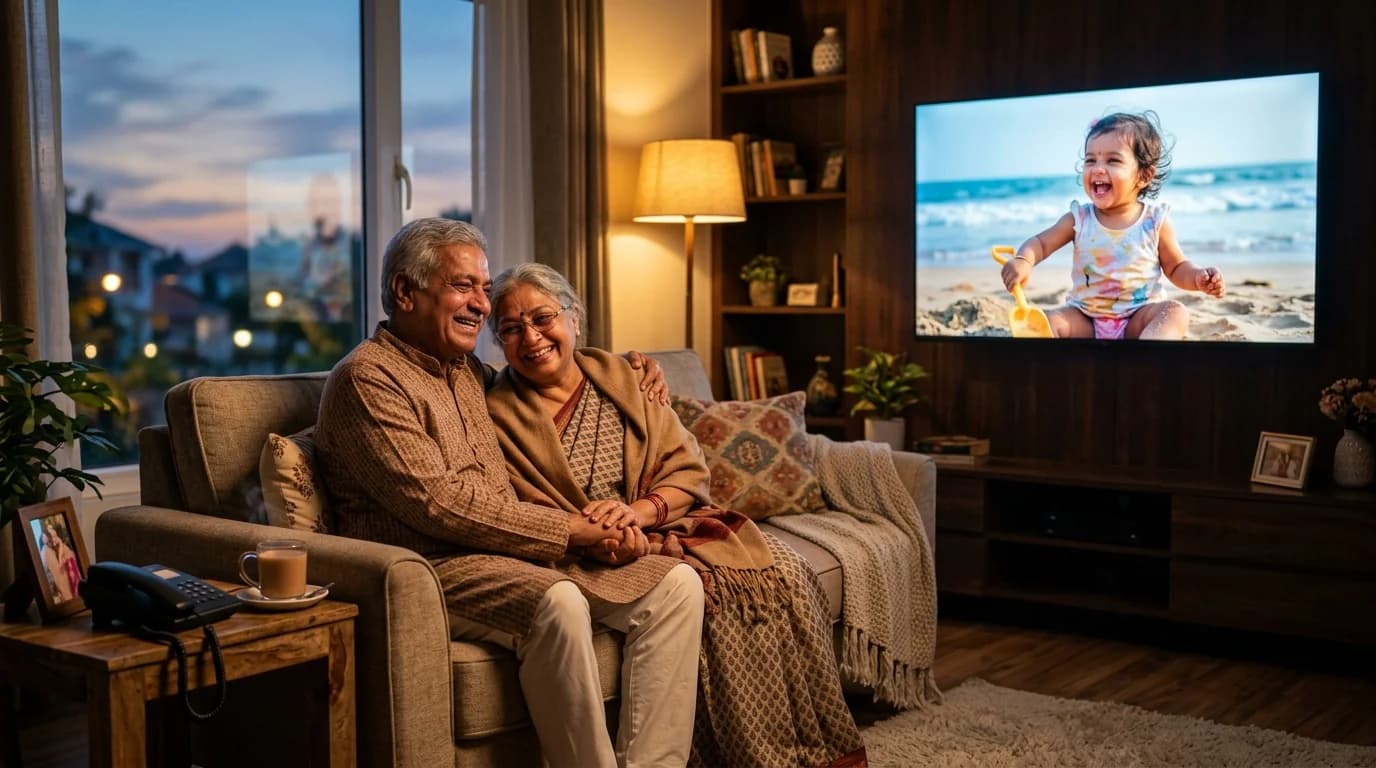
How to Send Photos to Your Parents' Smart TV From Anywhere in the World
Living 1,000 miles away from your parents or grandparents? Here is how to light up their living room with baby photos and family memories using the 3-second Cloud Dock TV bridge.
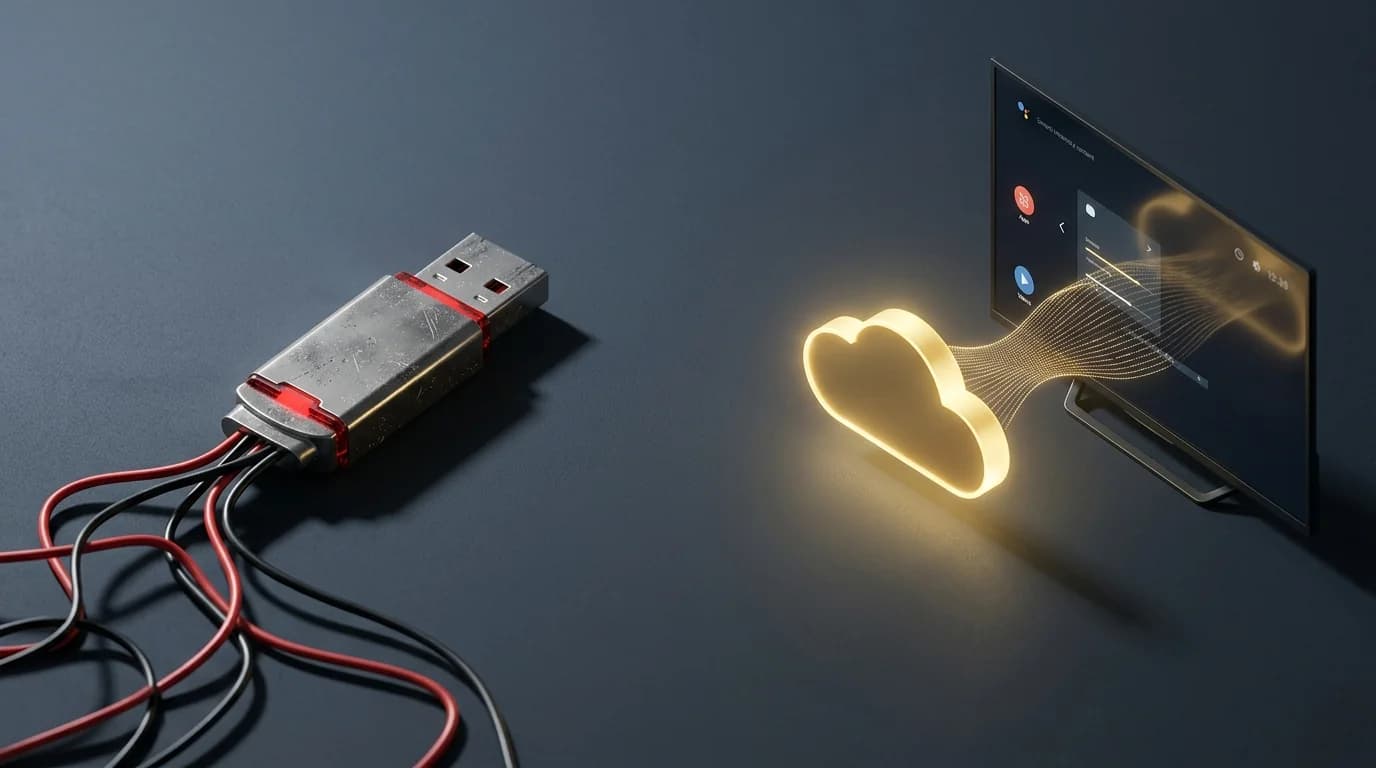
Why Cloud Dock TV Is the Ultimate Pen Drive Alternative for Smart TV Owners
For over 15 years, our reflex for playing personal photos and videos on TV was grabbing a USB stick. Here is why the physical pen drive is officially obsolete in the modern living room.
Upgrade Your Smart TV to Wireless Cloud Streaming
Retire your physical flash drive today. Connect Google Drive to your Android TV in 3 seconds with zero remote typing.