Why Cloud Dock TV Is the Ultimate Pen Drive Alternative for Smart TV Owners
For over 15 years, our reflex for playing personal photos and videos on TV was grabbing a USB stick. Here is why the physical pen drive is officially obsolete in the modern living room.
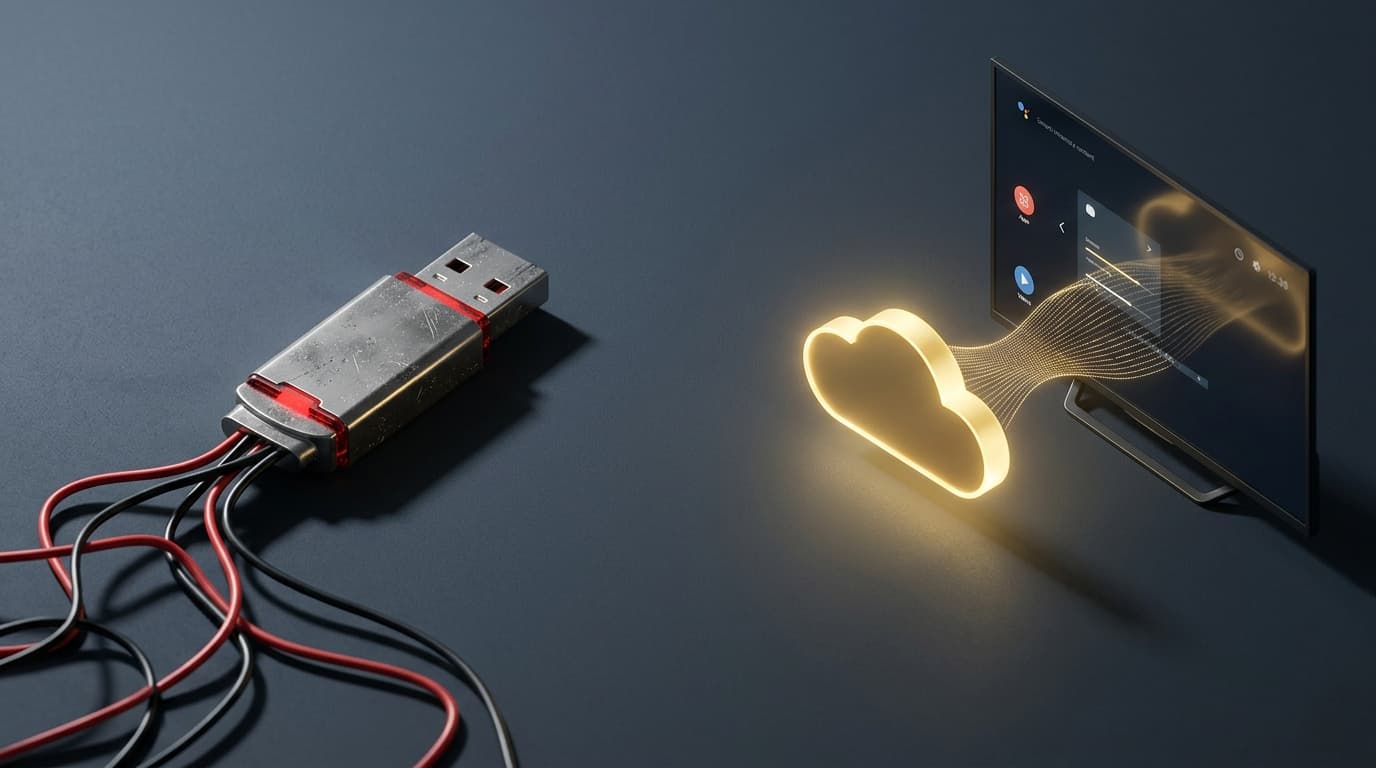
1. The 15-Year Habit We Never Questioned
Think about the last time you wanted to watch family vacation videos, wedding photo albums, or a downloaded movie with your family in the living room. For nearly two decades, the universal physical routine has been identical:
In an era where you can stream 4K HDR blockbusters from Netflix in under 500 milliseconds, why are we still treating our most precious personal memories like 1990s floppy disks?
- •1. Search your desk drawers for an empty USB flash drive.
- •2. Plug the USB into your laptop or desktop computer.
- •3. Download the photos and videos from your phone or cloud storage onto your PC.
- •4. Wait 10–20 minutes for gigabytes of video to copy over USB 2.0 or 3.0.
- •5. Walk into the living room, squeeze your hand into the dark 1-inch gap behind your wall-mounted TV, and blindly struggle to plug in the drive.
- •6. Open a clunky, pixelated TV file manager and pray your television recognizes the file format.
“Human beings stick with painful physical habits simply because 'it's what we've always done'—until a zero-friction alternative removes every physical barrier in one stroke.”
2. The 5 Fatal Flaws of USB Drives on Modern Smart TVs
While USB drives were revolutionary when CRT televisions and DVD players ruled the world, modern slim, wall-mounted Smart TVs make physical flash storage deeply frustrating.
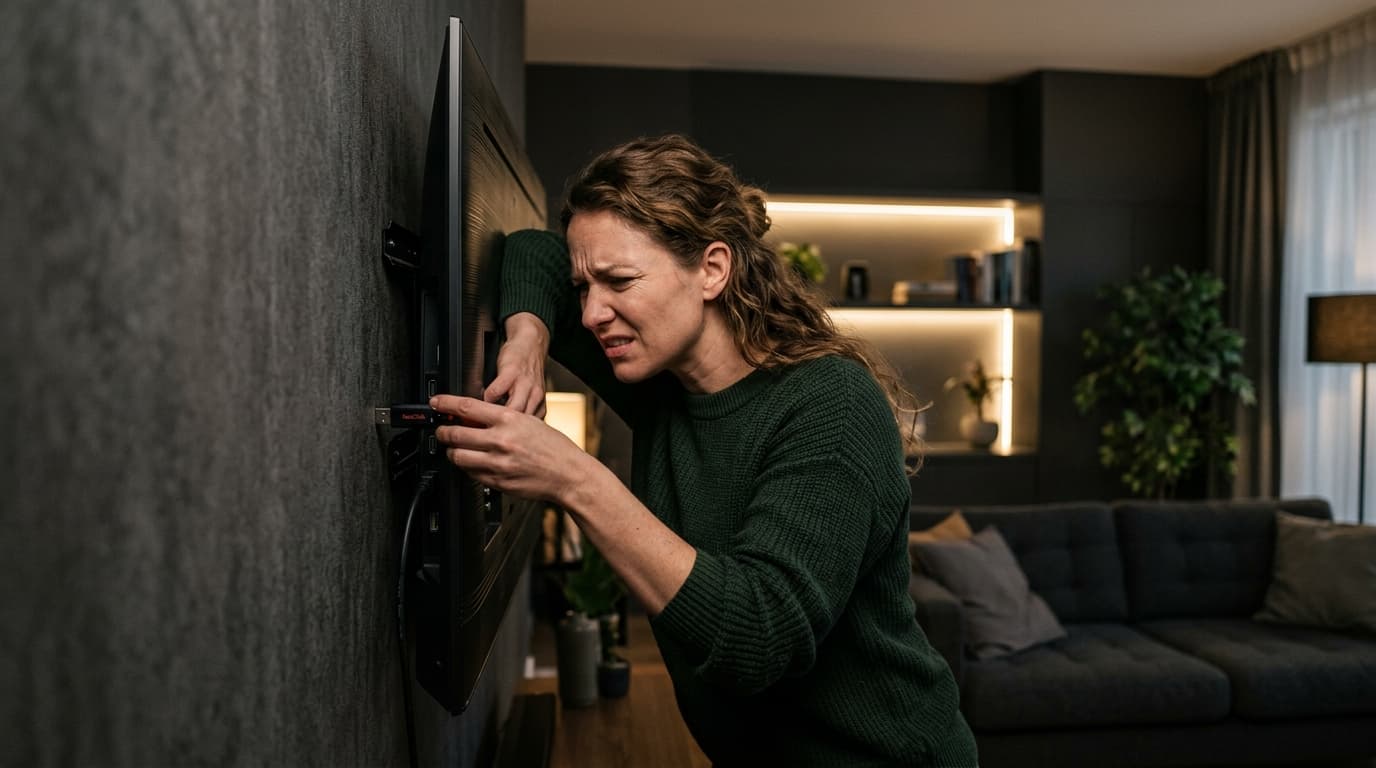
- •🔴 Problem 1: The Wall-Mount Hazard — 90% of modern living rooms feature wall-mounted TVs with less than an inch of clearance. Squeezing hands behind the screen scratches the paint, bends the TV's delicate USB receptacle, and risks dropping the drive behind heavy furniture.
- •🔴 Problem 2: Format & File System Failures — Formatted your USB drive in NTFS on Windows? Most budget Android TVs show an immediate 'Corrupted Drive' error. Formatted in exFAT? Many TV operating systems refuse to mount it. You are trapped in FAT32's archaic 4GB individual file size limit.
- •🔴 Problem 3: The Phone-to-TV Disconnect — 99% of our family memories are captured on smartphones and automatically backed up to Google Drive. A physical USB stick forces you to introduce an entire computer into the middle of the workflow just as a middleman.
- •🔴 Problem 4: Flash Degradation & Data Corruption — Flash memory chips wear out with repeated read/write cycles. Unplugging a pen drive while the TV is reading can permanently corrupt partition tables, wiping out irreplaceable memories.
- •🔴 Problem 5: Zero Family Collaboration — A physical flash drive can only be in one place at a time. If grandparents want to see baby photos while the kids are out, someone must manually copy and hand over the physical hardware.
3. Enter the 'Cloud Pen Drive': How Cloud Dock Works
Cloud Dock TV completely replaces the physical USB stick with a secure, zero-friction wireless bridge between your smartphone, Google Drive, and your Android TV.
Instead of carrying silicon thumb drives between rooms, your Google Drive acts as a limitless, wireless storage drive for your television. Whenever you capture photos or save videos on your phone, they are instantly ready to play on your 55-inch screen.
“When you launch Cloud Dock on your TV, a temporary 6-digit handshake and QR code appear on screen. Scan it with your phone, approve Google Drive read access in 1 tap, and your albums appear on the big screen in under 3 seconds. Zero passwords typed with a remote.”
4. The 7 'Good Things' of Switching to Cloud Dock TV
Here is why thousands of households are retiring their USB sticks in favor of Cloud Dock:
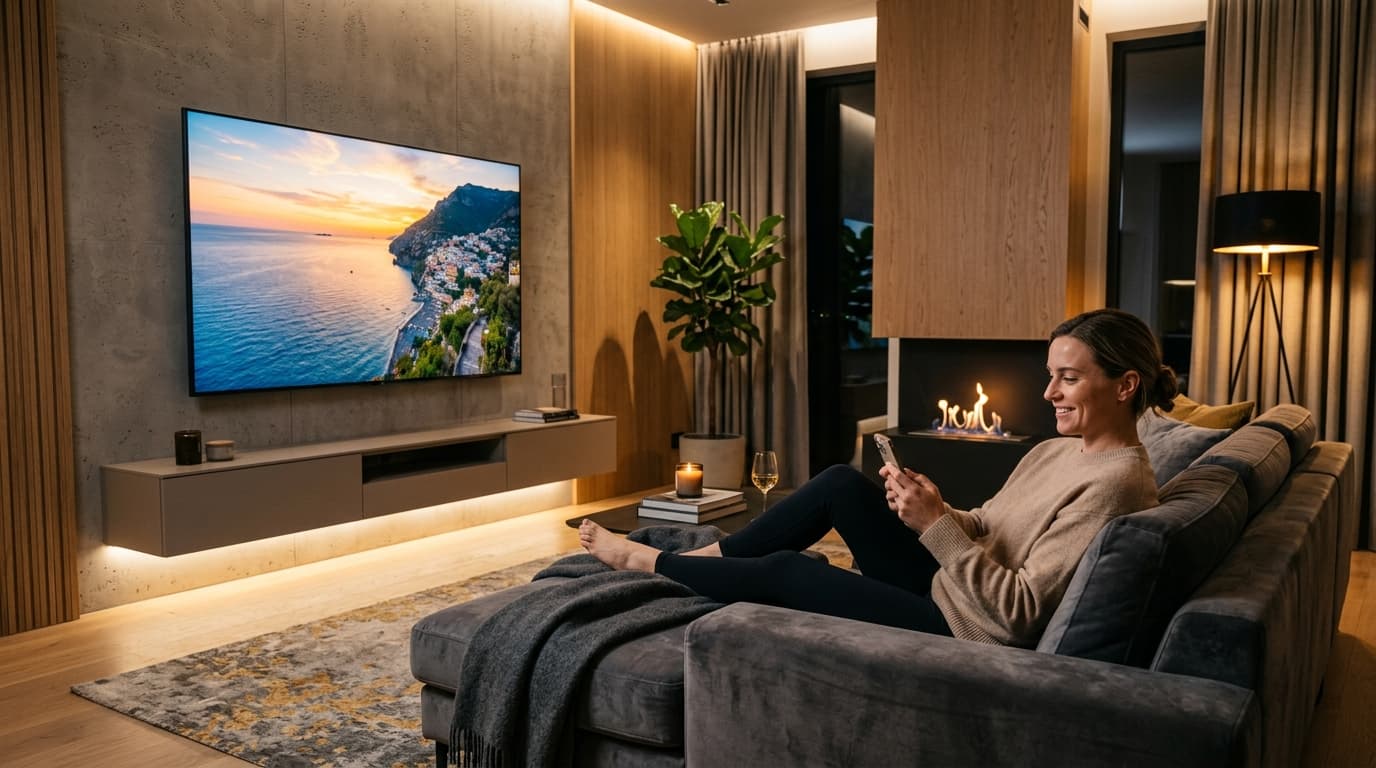
1. Hands-Free Living Room
Never climb behind your wall-mounted TV or fumble with cables again. Control everything from the comfort of your sofa.
2. Instant Phone Bridge
Photos taken on your phone today are immediately accessible on TV through Google Drive without intermediate computers.
3. Tuned 1080p Hardware Playback
Unlike generic media players, Cloud Dock uses a custom H.264/AAC engine tuned specifically for low-RAM budget TV processors.
4. Ambient 4K Photo Frame
Transforms idle screens into luxury digital art frames with smooth, cinematic Ken Burns slideshow transitions.
5. Smartphone Touch Remote
Scrub video timelines, switch folders, and adjust volume directly from your phone's touchscreen with micro-second precision.
6. 100% Notification Privacy
Unlike laggy screen mirroring, the TV streams directly from cloud servers—your private WhatsApp messages never leak on the big screen.
5. The Psychology of Living Room Simplicity
In product psychology, every physical action (walking to a computer, finding a cable, reaching behind a screen) represents cognitive friction that prevents us from enjoying our memories.
When technology is invisible, emotional connection thrives. When grandparents can sit down and watch their grandchildren's birthday videos without asking for technical help, the living room transforms from a place of frustration into a place of warmth and togetherness.
“A single 64GB USB 3.0 flash drive costs $15–$25 and gets lost in a drawer within 12 months. Cloud Dock's free starter tier leverages your existing Google Drive cloud storage without spending a single cent on physical hardware.”
6. How to Replace Your USB Stick in 3 Minutes
Switching from physical USB drives to Cloud Dock takes less time than copying a single video file to a flash drive:
- •Step 1: Open the Google Play Store on your Android TV or Google TV and search for 'Cloud Dock TV'. Click Install (Free).
- •Step 2: Launch the app on your TV. A 6-digit handshake code and QR code will appear on screen.
- •Step 3: Scan the QR code with your smartphone camera. Sign in with Google Drive in 1 tap.
- •Step 4: Your Google Drive folders, albums, and video archives appear instantly on your TV. Put away your USB stick for good!
Frequently Asked Questions
Upgrade Your Smart TV to Wireless Cloud Streaming
Retire your physical flash drive today. Connect Google Drive to your Android TV in 3 seconds with zero remote typing.